Marketing today is no longer just about creativity-it’s about managing complexity, speed, and collaboration across multiple channels. As campaigns become more data-driven and timelines tighter, marketing teams need structured systems to plan, execute, and track their work efficiently. This is where marketing project management software becomes essential.
While there are many tools available, each platform serves a slightly different purpose within the marketing workflow. Some focus on task organisation and team collaboration, while others emphasise automation, reporting, or campaign tracking. Understanding these differences helps teams choose tools that align with their processes, goals, and scale of operations.
Why Marketing Teams Need Project Management Tools
Project management tools are essential to marketing teams to manage the increased complexity of campaigns, channels and collaboration. Numerous stakeholders, strict deadlines and continuous content creation make it so that using manual coordination frequently results in the inability to meet deadlines and misunderstanding.
Tools such as Asana or ClickUp consolidate tasks, enhance the flow of communication, and offer real-time information about the progress of a project. They assist teams to organize campaigns, delegate roles, performance monitoring and approvals effectively.
The repetitive work is minimized by automation and the decisions are made through dashboards and reports. Finally, project managerial tools make work more productive, provide consistency in marketing activities, and allow teams to produce quality campaigns within the required time in a rapid digital world.
Must-Have Features in Marketing Project Management Software
- Campaign Planning & Scheduling– Allows teams to organize campaigns, timelines, milestones, and deadlines effectively across various marketing channels and projects at the same time.
- Task and Workflow Automation– Automates repetitive marketing procedures, approvals, and workflows, eliminating human manual effort, enhancing efficiency, consistency, and overall speed of campaign execution by many folds.
- Collaboration & Communication Tools– It provides real-time collaboration in the form of comments, chats, file sharing, and notifications to enable a healthy flow of communication among team members, stakeholders, and external clients.
- Multiple Project Views– Provides Kanban boards, calendars, timelines, and Gantt charts, which allow teams to see tasks and monitor the progress of marketing projects in a convenient way.
- Content & Asset Management: By centralizing marketing files, assets, and content, teams can easily store, retrieve, and reuse materials to develop campaigns and creative processes.
- Reporting & Analytics Dashboard: This tool helps teams track performance, measure campaign success, and make evidence-based marketing decisions by offering insights through dashboards and reports.
- Integration with Marketing Tools– The system is integrated with CRM, email marketing, analytics and social media platforms to facilitate a smooth flow of data and streamline marketing activities across tools.
- Time Tracking and Resource Management– Monitors time spent on activities, workload of team, and allocates resources to balance productivity and delivery of projects in time.
Quick Comparison Table
| Name | Task & Project Management Features | Approval & Proofing System | Third-Party Connectivity | Pricing |
| ClickUp | Advanced task hierarchy, Gantt, automation | Built-in proofing, comments, docs collaboration | 1000+ integrations including Slack, HubSpot, Google Workspace | Starts at $10/user/month |
| Asana | Campaign templates, timelines, dependencies | Basic approvals via tasks and comments | 100+ integrations including Salesforce, Slack, Adobe | Starts at $10.99/user/month |
| Monday.com | Visual boards, automation, campaign tracking | Status-based approvals and workflows | Strong integrations with CRM, marketing tools, Zapier | Starts at $12/seat/month |
| Wrike | Enterprise-grade workflows, resource management | Advanced proofing and approval workflows | Integrates with Adobe, Salesforce, Marketo | Starts at $10/user/month |
| Teamwork | Task tracking, milestones, client projects | Client approvals and feedback tools | Integrates with Slack, HubSpot, QuickBooks | Starts at $13.99/user/month |
| Trello | Kanban boards, simple task tracking | Limited approval via comments | Power-Ups for Slack, Google Drive, Jira | Starts at $5/user/month |
| Notion | Flexible databases, content planning | Manual approvals through workflows | Integrates with Slack, Zapier, GitHub | Starts at $12/user/month |
| Smartsheet | Spreadsheet-based tracking, automation | Proofing available in higher plans | Integrates with Microsoft, Google, Salesforce | Starts at $12/user/month |
| Airtable | Database-driven workflows, customizable views | Limited native approval workflows | API integrations, Slack, Google Workspace | Starts at $20/seat/month |
| Basecamp | To-do lists, scheduling, basic tracking | No formal approval system | Limited integrations, focuses on simplicity | Starts at $15/user/month |
| Workamajig | End-to-end agency management, budgeting | Strong approval and client workflows | Integrates with CRM, accounting tools | Starts at $49/user/month |
| Hive | Flexible views, analytics, automation | Proofing and approval features available | Integrates with Slack, Zoom, Google Drive | Starts at $1.50/user/month |
| Zoho Projects | Task automation, Gantt charts, tracking | Basic approval via workflows | Strong Zoho ecosystem + third-party apps | Starts at ₹350/user/month |
| ProofHub | Task management, discussions, workflows | Built-in proofing and approval system | Limited integrations compared to competitors | Starts at $50/month (flat) |
| Breeze | Simple Kanban, task tracking | No dedicated proofing system | Basic integrations like Slack | Starts at $10/user/month |
List Of 15 Best Marketing Project Management Software
1. ClickUp
Website: https://clickup.com/
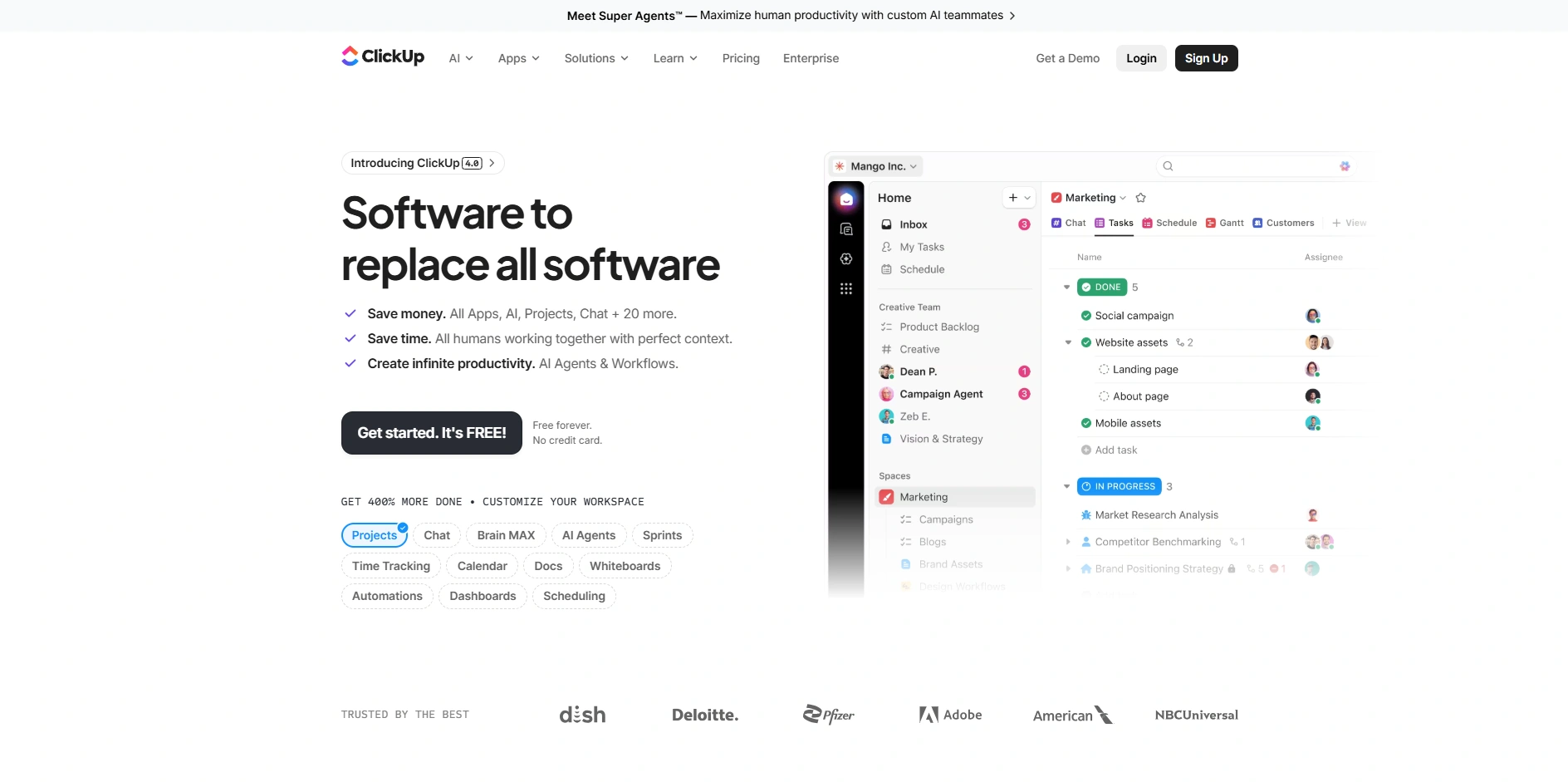
ClickUp is a flexible marketing project management tool that is tailored to the planning, execution, and tracking of campaigns. It is flexible with customizable workflows, support of various task views such as list, board, and Gantt charts and supports powerful automation to automate repetitive marketing processes.
Through one interface, teams are able to handle content calendars, SEO campaigns, and ad projects using an integrated SEO system to streamline optimization efforts. The collaboration tools enhance team coordination by providing comments, file sharing, and real-time updates.
ClickUp is an efficient and scalable platform that assists small teams and large marketing departments in realizing their objectives, time monitoring, and broad-based features that make it the suitable option.
Key Features:
- Customizable workflows and task hierarchies
- Multiple views (List, Board, Gantt, Calendar)
- Built-in time tracking and goal management
- Advanced automation for repetitive tasks
- Docs, whiteboards, and knowledge base tools
- Extensive integrations with marketing platforms
Pros:
- Highly customizable for marketing workflows
- All-in-one platform reduces tool switching
- Strong automation capabilities
- Suitable for teams of all sizes
- Generous free plan available
Cons:
- Can feel overwhelming for beginners
- Occasional performance lag
- Setup requires time
Pricing:
- unlimited- $10 Per user/month
- business- $19 Per user/month
2. Asana
Website: https://asana.com/
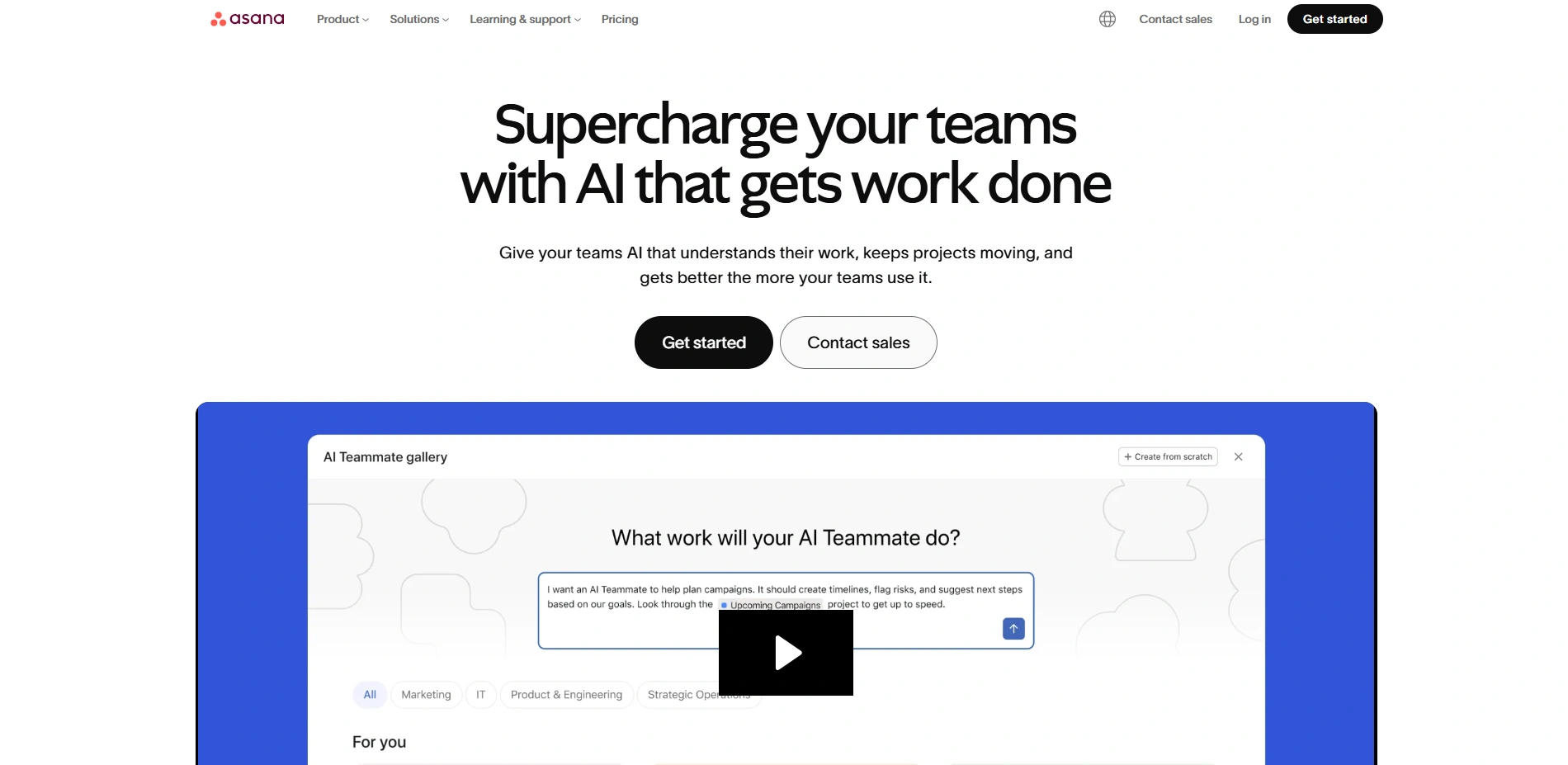
Asana is a popular tool, and it helps marketing teams to plan, organize and execute campaigns in an efficient way as a marketing project management software. It offers pre-made editorial calendars, product launching, and social media campaign templates.
Timelines, Kanban boards, and calendars can be used to visualize projects in teams to ensure that the progress is effectively monitored. Its automation capabilities reduce the number of people doing the work, and its connections with popular marketing applications enhance productivity.
Team collaboration is also supported by Asana by means of task assignments, comments, and notifications. It is easy to operate and can be scaled and this makes it suitable to both startups and large organizations with complex marketing processes and schedules.
Website: https://asana.com/
Key Features:
- Campaign and content calendar templates
- Timeline, Kanban, and calendar views
- Workflow automation and rules
- Task dependencies and milestone tracking
- Integration with 100+ marketing tools
- Real-time collaboration and updates
Pros:
- Easy-to-use interface
- Excellent for campaign planning
- Strong integrations ecosystem
- Scales well with teams
- Good reporting features
Cons:
- Limited features in free version
- Can get expensive
- Not ideal for complex resource planning
Pricing:
- Starter- US$10.99 Per user, per month billed annually. US$13.49 billed monthly
- Advanced- US$24.99 Per user, per month billed annually. US$30.49 billed monthly
3. Monday.com
Website: https://monday.com/
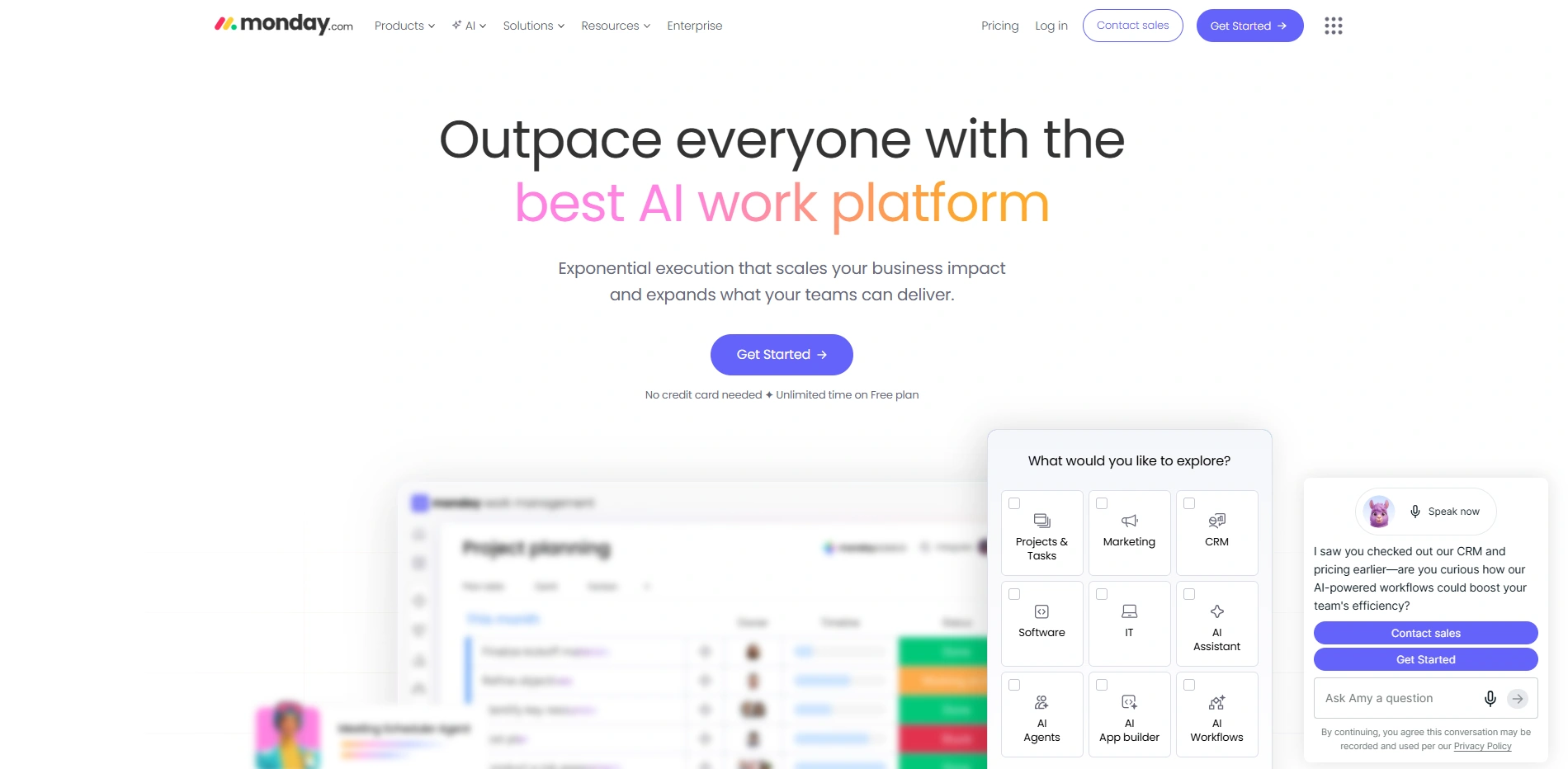
Monday.com is a graphical user-friendly work operating system that helps the marketing personnel to manage campaigns and workflows effectively. It offers drag-and-drop, customized dashboards and automation to enhance easy management of activities.
Teams have the ability to monitor campaign performance, content pipelines and work across departments easily. It has integrations with CRM tools and marketing tools allowing centralized operations.
Monday.com can guarantee transparency and accountability with real-time reporting and flexibility in project view. Its scalability allows it to be used by both expanding businesses and large organizations that want to streamline their marketing project management efforts.
Key Features:
- Visual dashboards and reporting
- Customizable boards and workflows
- Automation and notifications
- Campaign tracking tools
- Integration with CRM and marketing apps
- Drag-and-drop interface
Pros:
- Highly visual and intuitive
- Flexible for different marketing needs
- Strong reporting capabilities
- Easy collaboration
- Scalable for growing teams
Cons:
- Pricing can be high
- Learning curve for advanced features
- Limited free plan
Pricing:
- Basic- $12 seat /month
- Standard- $14 seat /month
- Pro- $24 seat /month
4. Wrike
Website: https://www.wrike.com/
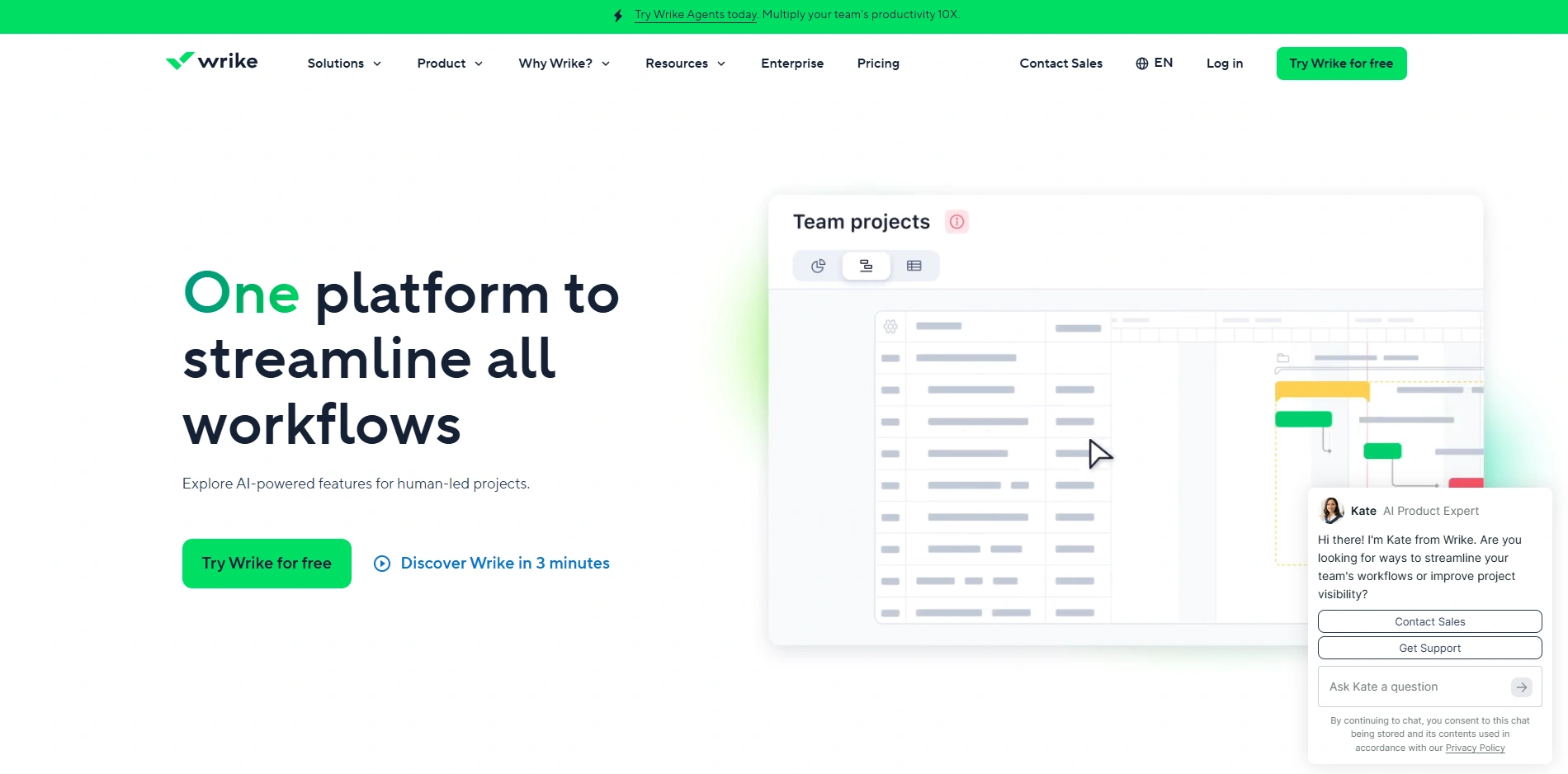
Wrike is a powerful project management tool, which is used in the complicated marketing processes and teamwork. It also offers complex functions such as request forms, proofing tools and real time updates enabling teams to handle campaigns between ideation and implementation.
Marketing departments are also able to monitor progress, delegate duties and facilitate approvals effectively. Wrike also has customizable dashboards and performance reporting.
It suits large organizations and agencies due to its capability of managing several projects at the same time. Wrike has potential integrations and automation, which increase efficiency and guarantee the marketing efforts are delivered in time.
Key Features:
- Custom request forms for campaigns
- Proofing and approval workflows
- Real-time collaboration tools
- Advanced reporting dashboards
- Resource management features
- Workflow automation
Pros:
- Ideal for complex projects
- Strong approval system
- Highly customizable dashboards
- Good for large teams
- Powerful analytics
Cons:
- Interface can feel complex
- Expensive for small teams
- Steep learning curve
Pricing:
- Team- $10 user/month
- Business- $25 user/month
5. Teamwork
Website: https://www.teamwork.com/
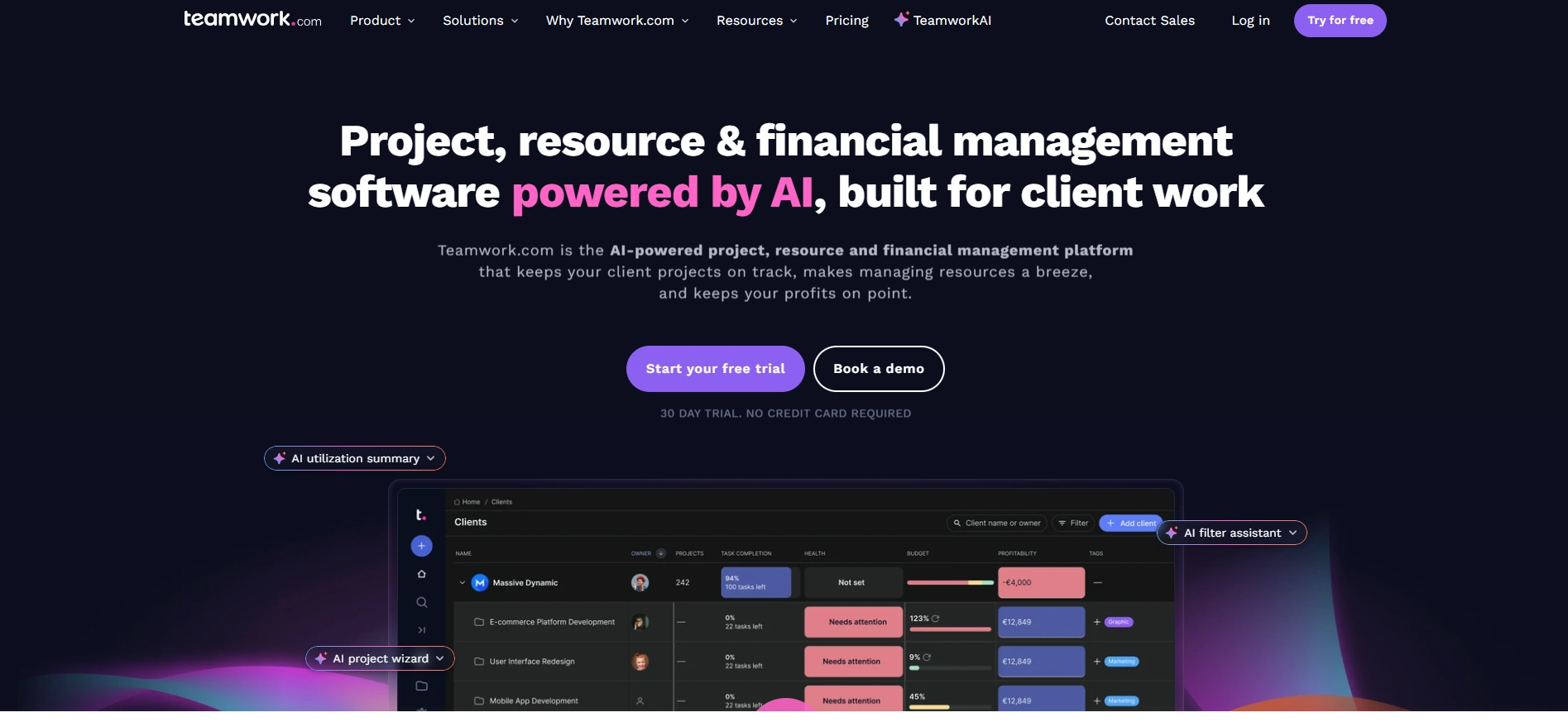
Teamwork is a marketing project management software and project management application that is designed to serve marketing agencies and client-oriented teams. It also has capabilities of time tracking, billing and resource management and is suitable in management of various client projects.
Teams are able to cooperate with clients, update them, and track progress on detailed dashboards. Projects are kept on track by its milestone tracking and task scheduling. Integrations with marketing and communication tools are also supported by Teamwork.
Its customer-oriented design and capability of establishing a robust reporting system makes it a secure choice among agencies that are keen on improving performance and quality outputs.
Key Features:
- Time tracking and billing tools
- Client collaboration features
- Task and milestone management
- Resource allocation tools
- Project templates for marketing
- Detailed reporting dashboards
Pros:
- Great for agencies
- Strong client management features
- Built-in billing system
- Easy task tracking
- Reliable performance
Cons:
- Interface could be improved
- Limited customization
- Some features require higher plans
Pricing:
- Basics- $13.99/user/month
- Accelerate- $29.99/user/month
6. Trello
Website: https://trello.com/
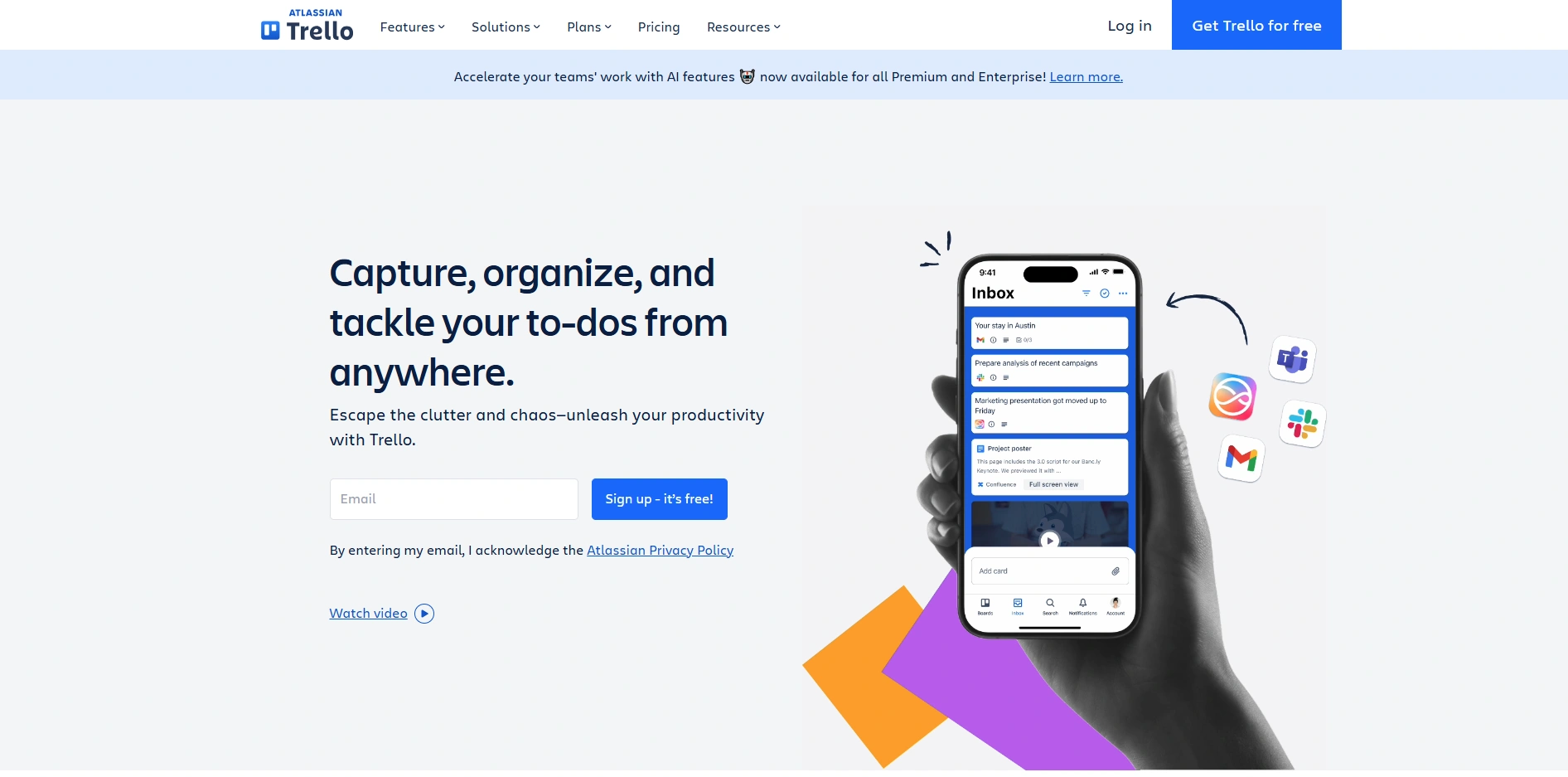
Trello is an easy to use but effective Kanban-based marketing project management software with extensive usage across marketing teams. It divides work into boards, lists, and cards which give a clear visual representation of work processes.
Teams are able to handle content calendars, campaign ideas, and daily tasks without any difficulty. Trello facilitates team working by use of comments, attachments and notifications. The interface is user friendly and makes it suitable for beginners and small teams.
Moreover, it is integrated with different marketing tools that make it more functional. The simplicity and flexibility of Trello make it highly sought after as a tool to manage simple marketing projects effectively.
Key Features:
- Kanban boards with cards and lists
- Drag-and-drop task management
- Power-Ups (integrations)
- Automation with Butler
- Collaboration and file attachments
- Mobile-friendly interface
Pros:
- Extremely easy to use
- Great for small teams
- Visual workflow management
- Flexible and lightweight
- Free plan available
Cons:
- Limited advanced features
- Not ideal for large projects
- Reporting is basic
Pricing:
- Standard- $5 USD Per user/month if billed annually ($6 billed monthly)
- Premium- $10 USD Per user/month if billed annually ($12.50 billed monthly
- Enterprise- $17.50 USD Per user/month – billed annually ($210.00 annual price per user)
7. Notion

Website: https://www.notion.com/
Notion is a single workspace that integrates project management tools, documentation and collaboration applications. It provides marketing teams with the ability to build content calendars, provide campaign management, and store knowledge in a centralized platform.
Its customizable databases and templates enable users to create workflows that suit their needs. Notion is conducive to real-time teamwork, as it helps teams work together effectively.
It is also compatible with other online tools, which improves its functionality. Notion is the most suitable tool as it allows flexibility and a clean interface that enables teams to integrate a single platform that handles marketing projects and documentation without any issues.
Key Features:
- All-in-one workspace for docs and tasks
- Custom databases and templates
- Content calendar management
- Real-time collaboration
- Knowledge base creation
- Integration with external tools
Pros:
- Highly flexible platform
- Combines docs and project management
- Clean interface
- Great for content teams
- Customizable workflows
Cons:
- Setup can be time-consuming
- Limited built-in automation
- Performance issues with large data
Pricing:
- Plus- $12 per member / month
- Business- $24 per member / month
8. Smartsheet
Website: https://www.smartsheet.com/
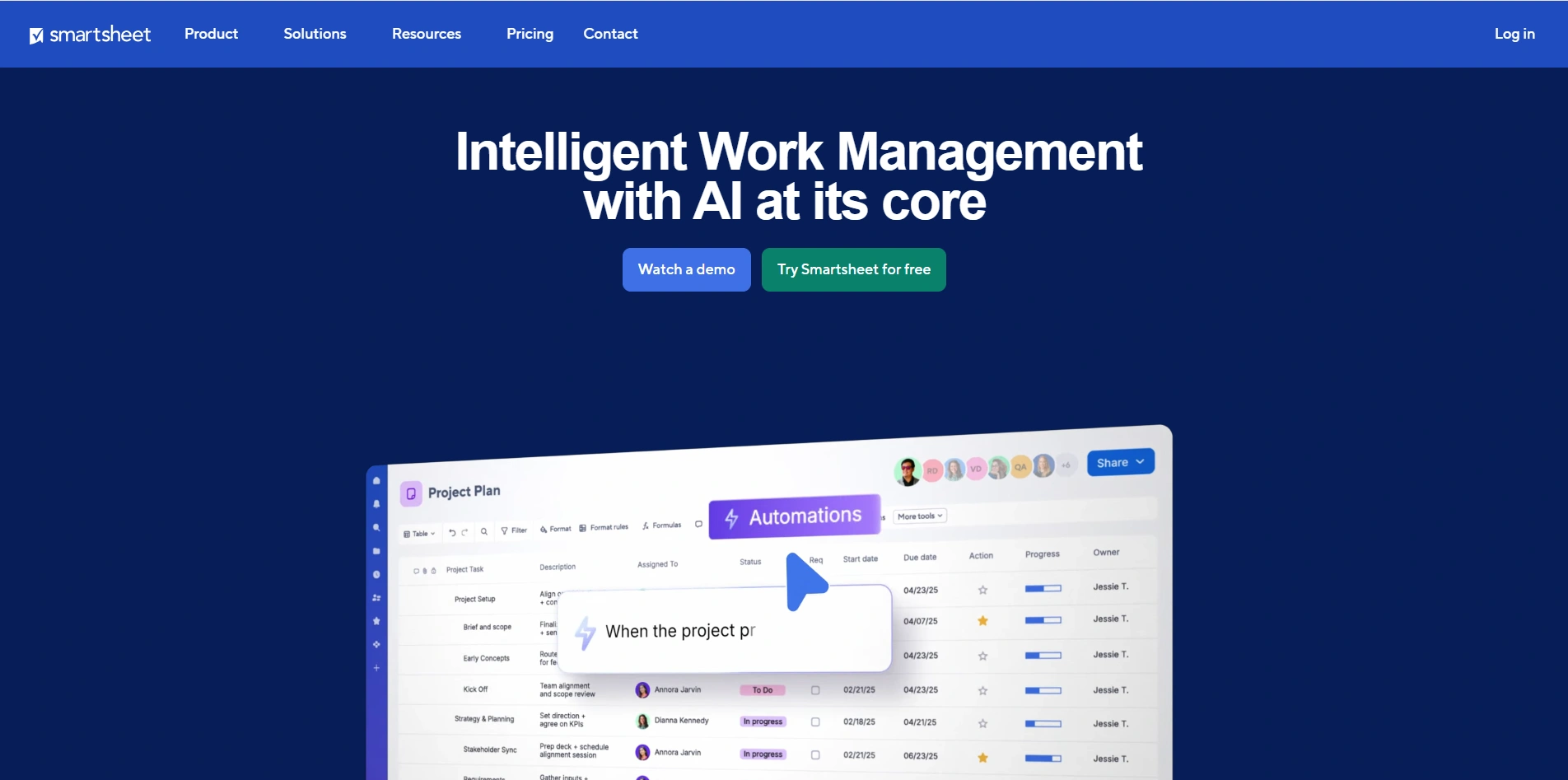
Smartsheet is a spreadsheet-style Project Management Software designed for structured marketing workflows. It allows teams to track campaigns budgets, and timelines using familiar grid-based layouts.
With automation features, reporting tools, and dashboards, marketers can monitor progress and performance effectively. Smartsheet also supports collaboration and file sharing, ensuring seamless communication among team members.
Its integration capabilities connect it with other marketing platforms. Ideal for data-driven teams, Smartsheet provides a balance between traditional spreadsheets and modern project management, making it suitable for complex marketing operations.
Key Features:
- Spreadsheet-style project tracking
- Workflow automation
- Budget and campaign tracking
- Custom dashboards and reports
- Collaboration tools
- Integration with marketing apps
Pros:
- Familiar spreadsheet interface
- Strong reporting capabilities
- Good for data-driven teams
- Scalable solution
- Powerful automation
Cons:
- Less intuitive for beginners
- Expensive plans
- Limited design flexibility
Pricing:
- Pro- $12 per Member/month
- Business- $24 per Member/month
9. Airtable
Website: https://www.airtable.com/
Airtable blends the simplicity of spreadsheets with the power of databases, making it highly suitable for marketing project management. Teams can organize campaigns, track content pipelines, and manage digital assets in a flexible workspace.
Its customizable views, including grid, calendar, and Kanban, provide multiple ways to visualize projects. Airtable supports automation and integrations with marketing tools, improving workflow efficiency.
Collaboration features enable teams to share updates and work in real time. Its adaptability makes Airtable a strong choice for marketers handling diverse and dynamic projects.
Key Features:
- Database-powered project management
- Multiple views (Grid, Kanban, Calendar)
- Campaign and asset tracking
- Automation workflows
- API and integrations
- Collaboration tools
Pros:
- Extremely customizable
- Combines database and PM features
- Great for content workflows
- Flexible data organization
- User-friendly interface
Cons:
- Pricing increases quickly
- Limited reporting features
- Learning curve for advanced use
Pricing:
- Team- $20 per seat /month billed annually
- Business- $45 per seat /month billed annually
10. Basecamp
Website: https://basecamp.com/
Basecamp is a straightforward marketing project management software and collaboration tool designed to simplify team communication. Marketing teams use it to manage projects, share files, and track progress in a centralized space.
It includes features like to-do lists, message boards, and scheduling tools. Basecamp emphasizes simplicity, making it easy to adopt without extensive training.
While it lacks advanced features found in other tools, its clean interface and focus on collaboration make it ideal for small teams. It is particularly useful for teams seeking an uncomplicated solution for managing marketing projects.
Key Features:
- To-do lists and task tracking
- Message boards and team chat
- File sharing and storage
- Scheduling and calendar tools
- Client collaboration features
- Simple project organization
Pros:
- Very easy to use
- Clean and minimal interface
- Flat pricing model
- Good for communication
- Quick setup
Cons:
- Limited advanced features
- No built-in automation
- Basic reporting tools
Pricing:
- Basecamp Plus- $15/user per month
- Basecamp Pro Unlimited- $299/month billed annually
11. Workamajig
Website: https://workamajig.com/
Workamajig is a comprehensive project management solution built specifically for marketing agencies and creative teams. It combines project management, resource planning, budgeting, and client management in one platform.
Teams can track project progress, manage finances, and collaborate effectively. Its reporting tools provide insights into project performance and profitability. Workamajig also supports workflow automation, reducing manual tasks.
With its focus on agency needs, it helps streamline operations and improve efficiency. The platform is ideal for agencies handling multiple clients and complex marketing campaigns simultaneously.
Key Features:
- End-to-end agency management
- Budgeting and financial tracking
- Resource and workload management
- Project tracking and reporting
- CRM and client management
- Workflow automation
Pros:
- Built for marketing agencies
- Strong financial tools
- Comprehensive features
- Good reporting system
- Centralized operations
Cons:
- Complex interface
- Requires training
- Higher pricing
Pricing:
- In-house- $49/user/mo
- Agency- $49/user/mo
12. Hive
Website: https://hive.com/
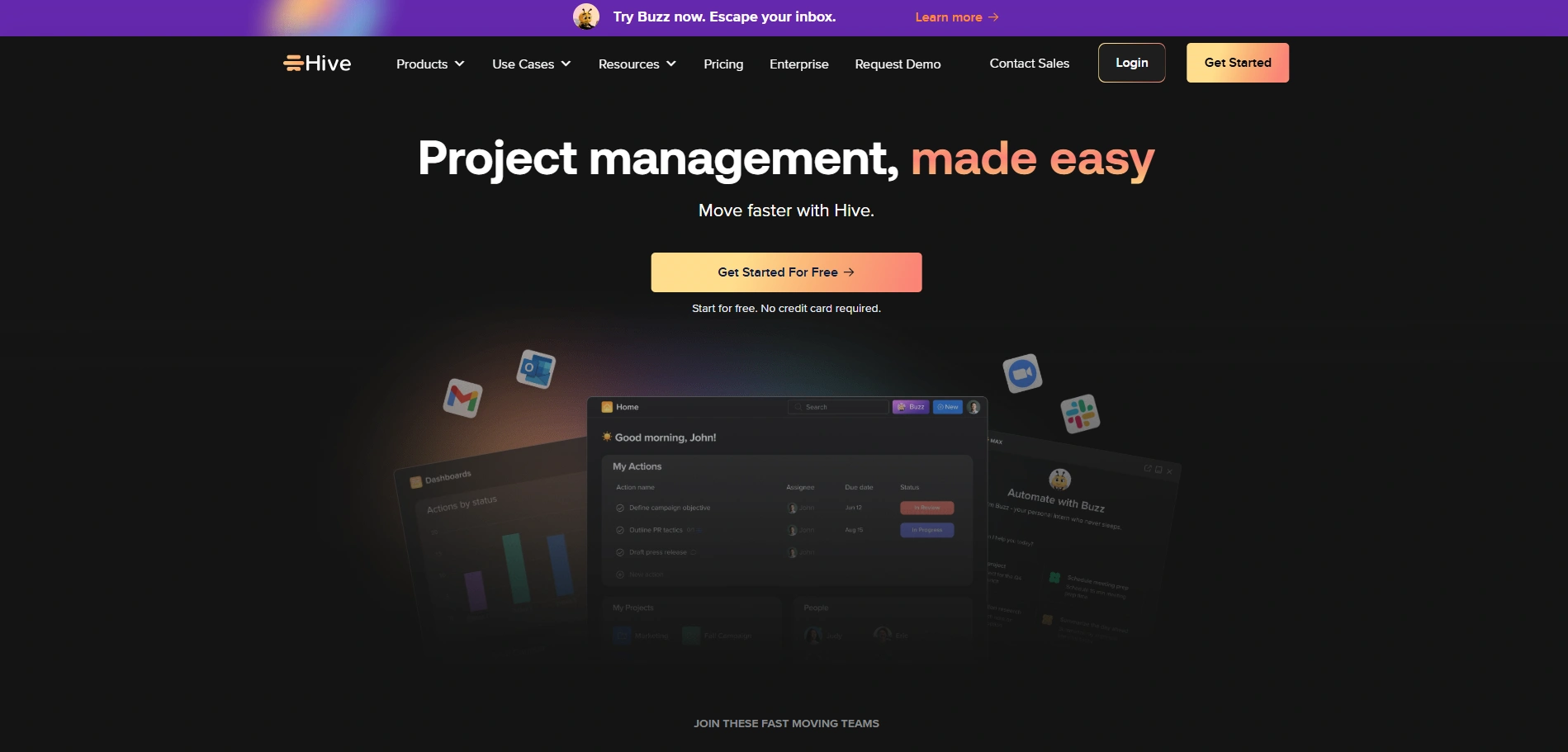
Hive is a flexible marketing project management software designed to support marketing teams with dynamic workflows. It offers multiple project views, including Gantt, Kanban, and calendar, allowing teams to choose how they work.
Hive includes automation, time tracking, and analytics features for better campaign management. Teams can collaborate through comments, file sharing, and messaging tools.
Its integrations with popular marketing platforms enhance productivity. Hive’s customizable features and real-time insights make it suitable for teams looking to optimize their marketing processes and improve overall efficiency.
Key Features:
- Multiple project views
- Time tracking and analytics
- Workflow automation
- Messaging and collaboration
- File sharing and proofing
- Integration with marketing tools
Pros:
- Flexible project views
- Strong analytics
- Good collaboration features
- Customizable workflows
- Suitable for marketing teams
Cons:
- Some features cost extra
- UI can feel cluttered
- Learning curve
Pricing:
- Starter- $1.50/ month per user
- Teams- $5/ month per user
13. Zoho Projects
Website: https://www.zoho.com/projects/
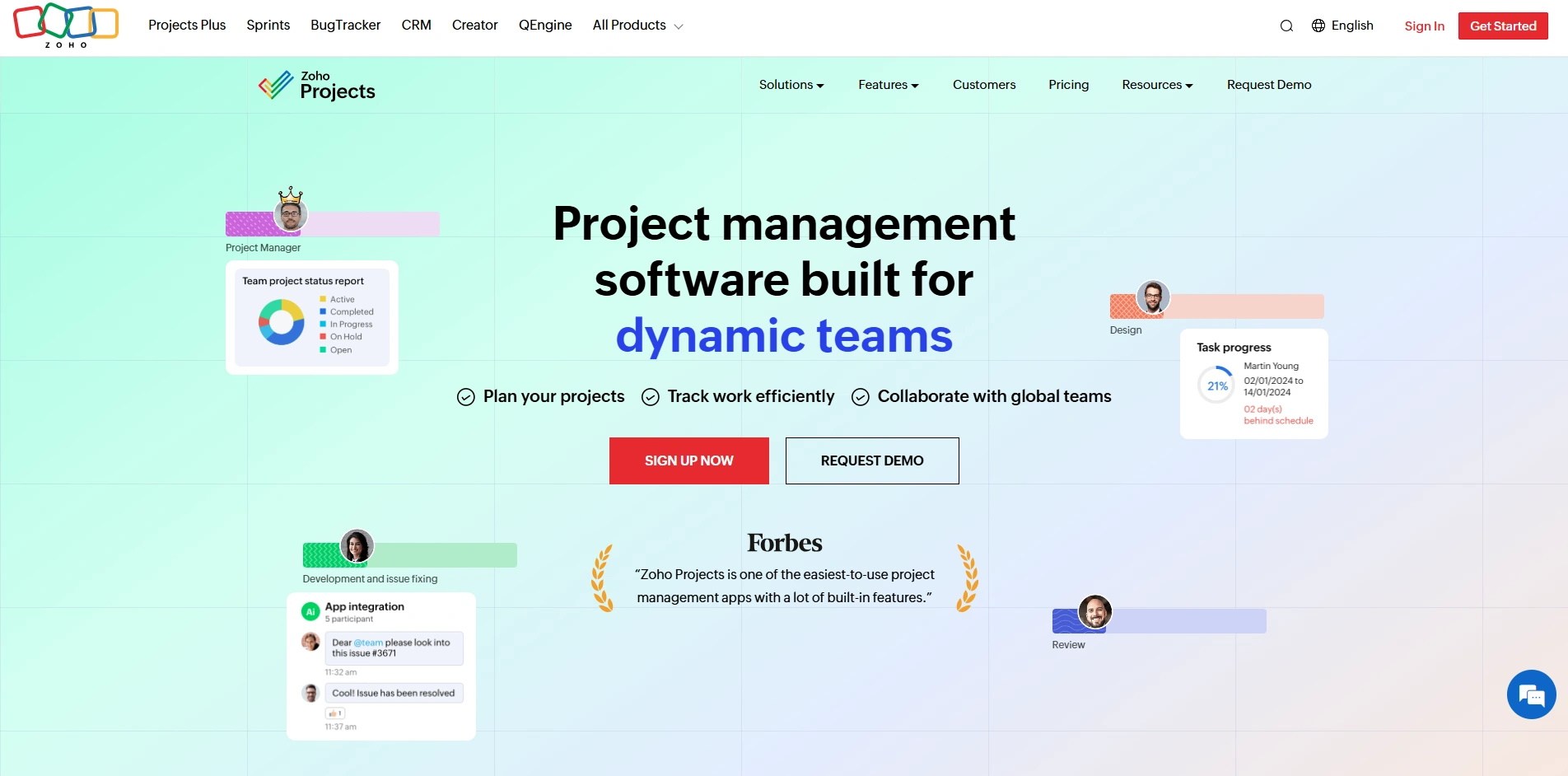
Zoho Projects is a comprehensive project management tool that helps marketing teams plan, execute, and monitor campaigns effectively. It offers task automation, time tracking, and detailed reporting features.
Teams can collaborate through forums, chat, and file sharing, ensuring smooth communication. The platform integrates seamlessly with the Zoho ecosystem and other marketing tools.
Its customizable workflows and dashboards provide flexibility for different marketing needs. Zoho Projects is ideal for businesses seeking an affordable yet powerful solution for managing marketing projects and improving team productivity.
Key Features:
- Task automation and workflows
- Time tracking and billing
- Gantt charts and milestones
- Collaboration tools (chat, forums)
- Integration with Zoho apps
- Reporting dashboards
Pros:
- Affordable pricing
- Strong integration ecosystem
- Good automation features
- Easy collaboration
- Suitable for SMBs
Cons:
- UI could be modernized
- Limited advanced analytics
- Learning curve for beginners
Pricing:
- Premium– ₹350/user/month
- Enterprise– ₹700/user/month
- Ultimate– ₹1,050/user/month
14. ProofHub
Website: https://www.proofhub.com/
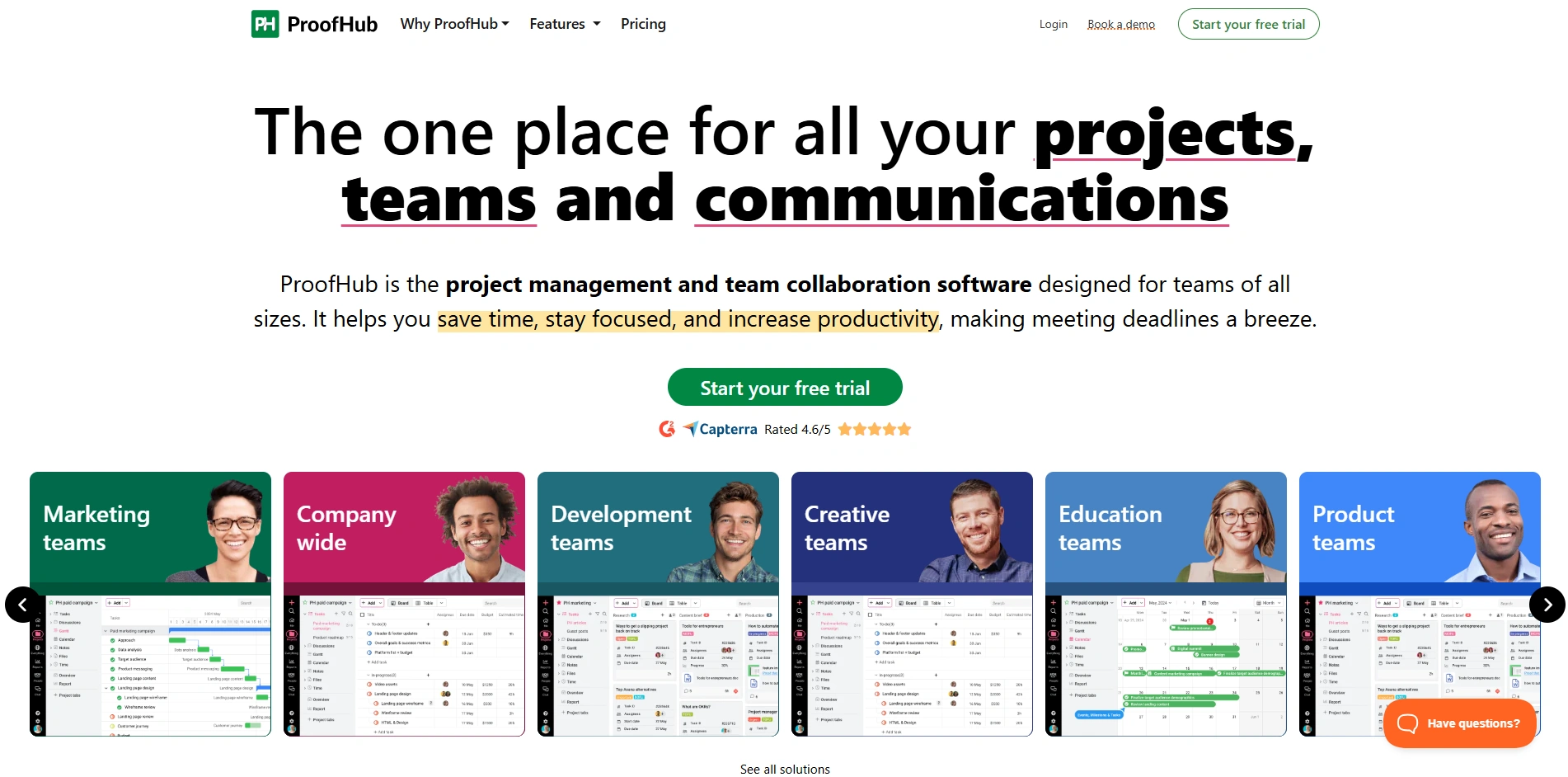
ProofHub is an all-in-one marketing project management software and collaboration tool designed for marketing teams. It offers features like task management, proofing tools, and discussions, making it ideal for handling approvals and feedback.
Teams can manage workflows, track progress, and communicate effectively within a single platform. ProofHub also includes time tracking and reporting tools for better project insights.
Its centralized approach reduces the need for multiple tools. Suitable for teams of all sizes, ProofHub helps streamline marketing operations and ensures timely completion of projects.
Key Features:
- Task and workflow management
- Online proofing and approvals
- Team discussions and chat
- Time tracking tools
- Custom roles and permissions
- Reporting and analytics
Pros:
- Centralized collaboration
- Strong approval workflows
- No per-user pricing
- Easy to use
- Good for creative teams
Cons:
- Limited integrations
- UI could improve
- Fewer advanced features
Pricing:
- Essential- $50/month
- Ultimate Control- $99/month
15. Breeze
Website: https://www.breeze.pm/
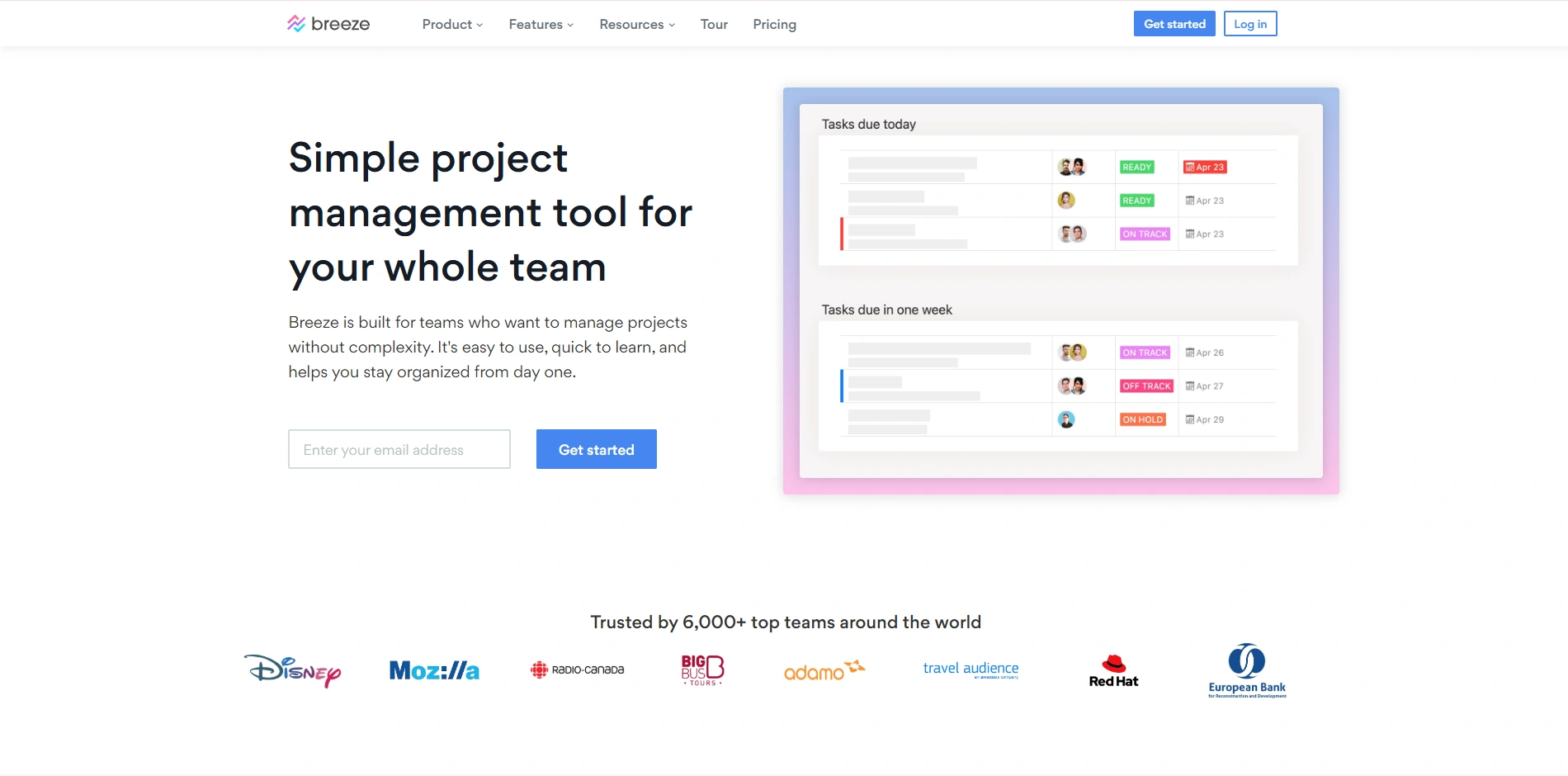
Breeze is a simple and user-friendly project management tool designed for small to mid-sized marketing teams. It offers task tracking, Kanban boards, and team collaboration features to manage workflows efficiently.
Teams can organize campaigns, assign tasks, and monitor progress in a clear interface. Breeze also supports integrations with essential tools, enhancing productivity.
Its ease of use makes it accessible for beginners while still providing enough functionality for effective project management. Breeze is ideal for teams seeking a lightweight solution for managing marketing projects without unnecessary complexity.
Key Features:
- Kanban boards and task tracking
- Simple project workflows
- Team collaboration tools
- Time tracking feature
- Integration with Slack and others
- Visual project timelines
Pros:
- Very easy to use
- Lightweight and fast
- Affordable pricing
- Clean interface
- Good for small teams
Cons:
- Limited scalability
- Basic features only
- Not ideal for complex projects
Pricing:
- $10 /user/month
Ending Thoughts
Marketing project management software has become an essential tool for modern teams aiming to stay organized, efficient, and competitive. With increasing campaign complexity and the need for real-time collaboration, platforms like ClickUp and Monday.com help streamline workflows, improve communication, and ensure timely delivery of projects.
These tools centralize planning, automate repetitive tasks, and provide valuable insights through reporting and analytics. Whether for small teams or large agencies, adopting the right solution enhances productivity and accountability. Ultimately, investing in a reliable marketing project management tool enables businesses to execute strategies effectively, adapt quickly to changes, and achieve consistent, high-quality marketing outcomes.
FAQs
1. What Is Marketing Project Management Software?
It is a tool that helps teams plan, execute, track, and manage marketing campaigns, tasks, and collaboration in one centralized platform.
2. Who Should Use Marketing Project Management Tools?
Marketing teams, agencies, content creators, and businesses of all sizes can use these tools to organize workflows and improve productivity.
3. Can Small Teams Benefit From These Tools?
Yes, even small teams can streamline tasks, improve collaboration, and manage campaigns efficiently using lightweight and affordable solutions.
4. Do These Tools Integrate With Marketing Platforms?
Most tools integrate with CRM, email marketing, analytics, and social media platforms, ensuring seamless workflow and data synchronization.
5. Which Tool Is Best For Beginners?
Tools like Trello and Asana are beginner-friendly due to their simple interfaces and easy setup.