
Writing is even more crucial in the modern world. No matter what type of writing you are doing and on what level, whether this may be drafting emails, creating marketing material, writing papers, or being creative, the quality and clarity of your writing affect the reception of your message, that is, your success. Good structure, clarity, and correct writing improve communication and increase credibility.
The methods of traditional editing and primitive spell-checkers are not enough to satisfy the requirements of contemporary communication. The modern specialists and content producers are in need of sophisticated tools to be productive and, at the same time, guarantee high levels. That is where the writing and editing apps come in.
Those tools apply AI, machine learning, and natural language processing to do more than grammar checks. They are intelligent assistants that advance the quality of writing and lessen editing time since they provide real-time style, tone, readability, and structure suggestions.
This article presents the 10 best writing and editing apps that are famous to the capacity of their impact on the content and efficiency. All the apps have been chosen through research, user reviews, and testing on different writing needs.
Add an efficient workflow, combined with excellent tools and content creators, and students, businesspeople, and even marketers are bound to find that this guide will enable them to make informed decisions about which writing and editing apps they choose to accomplish their writing tasks.
Why You Need Writing and Editing Apps
In the current writing process, we have come a long way since the use of pen and paper and even earlier word processors. The current writing and editing apps provide a hitherto unknown set of features that have changed the ways of creating, enhancing, and perfecting our written work. Knowing about such advantages is essential to any person who wants to enhance his or her writing productivity and efficiency.
Improved grammar, clarity, and tone
Contemporary writing programs not only automate the process of basic spelling but are also able to identify complicated grammatical errors, clumsy wording, and hidden contradictions based on AI. They discover the issues in structure, punctuation, and style regarding the context.
Time-saving efficiency
The time taken to manually proofread is greatly cut down by these tools. They read thousands of words in seconds, and they make instant suggestions, so the user does not need to be concerned with the mechanics but merely with ideas.
Consistency in voice and style
The apps used in writing assist in remaining in the same tone and having the same style in many documents, which is necessary when it comes to brand communication, reports, or long-form material. They offer adjustments to match the preferred voice.
Versatile use cases
These tools can assist many users, including content creators, marketers, students, and professionals, in enhancing the accuracy, readability, and engagement of writing texts in different formats such as blogs, reports, emails, and academic papers.
Collaborative writing features
Numerous applications enable real-time collaboration since an unlimited number of registered users can add comments and edit the content. This is particularly beneficial when working in a team, as there arises the need to merge content and review it.
Criteria for Selection of Writing and Editing Apps
The choice of the proper writing and editing apps depends on a variety of factors that directly determine user comfort and efficiency. The programs that we recommend are to be evaluated by our criteria, which make sure that each of them fits the needs of modern writers and brings value and feasibility to the users.
Ease of use
An intuitive interface is essential. The best apps are simple to operate, have small learning curves so that the users concentrate on writing and not learning about complicated features.
Grammar and spell check
Best apps not only provide basic corrections; they can detect advanced grammar problems, contextual spelling errors, and fine language mistakes with high precision.
Style and tone analysis
The tools are used to determine readability and tone and consistency and provide recommendations on vocabulary, structure, and adjustments to the audience.
Integration capabilities
Productive apps have no issues communicating with apps such as Google Docs, Word, browsers, and email so that work flows smoothly and without endless copy-pastes.
Cross-platform access
The ability to allow users to have the tools on their desktops, tablets, and phones with similar features and with synchronized content on each device.
Cost and value
We evaluate how to balance the free aspects and paid services so you can see are the premium plans are worth the money.
Other considerations
The overall app experience is also impacted by customer support, frequent updates, good user communities, and reliable performance.
Explore More: Best Software Companies in Coimbatore
Top 10 Writing and Editing Apps
1. Grammarly
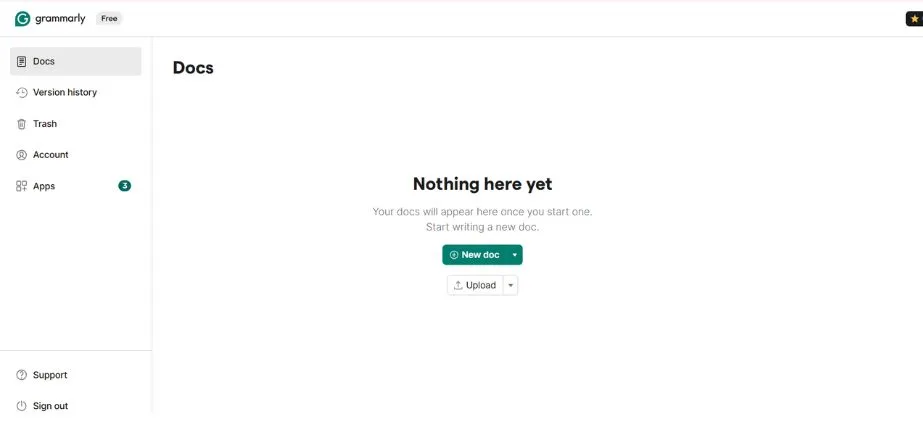
Grammarly is a popular spelling and grammar checking tool and style checker used in real-time writing. It has a tone detection facility, clarity recommendation, as well as vocabulary suggestions, so it is very useful in cases of emailing, documents, and also web pages. Grammarly, found in the form of a browser extension, desktop application, and mobile keyboard, works with other tools, such as Google Docs or Microsoft Word. It has an upgraded product that introduces more features such as plagiarism check and whole-sentence rewriting. The Grammarly tool is applicable to people who need professional results, students, and anyone who aims for error-free writing.
Key Features:
- Advanced grammar and spelling correction
- Style and tone analysis
- Plagiarism detection (premium)
- Vocabulary enhancement suggestions
- Goal-setting for different writing types
- Real-time writing statistics
Pros:
- Highly accurate grammar detection
- Excellent browser integration
Cons:
- Premium features can be expensive
- Some suggestions may be overly conservative
Pricing:
- Free version with basic features
- Premium: $12/month (monthly) or $60/year
- Business: $15/month per user
Best For:
Professional writers, business communications, academic writing, and anyone seeking comprehensive writing assistance.
Website:
https://www.grammarly.com
2. Hemingway Editor
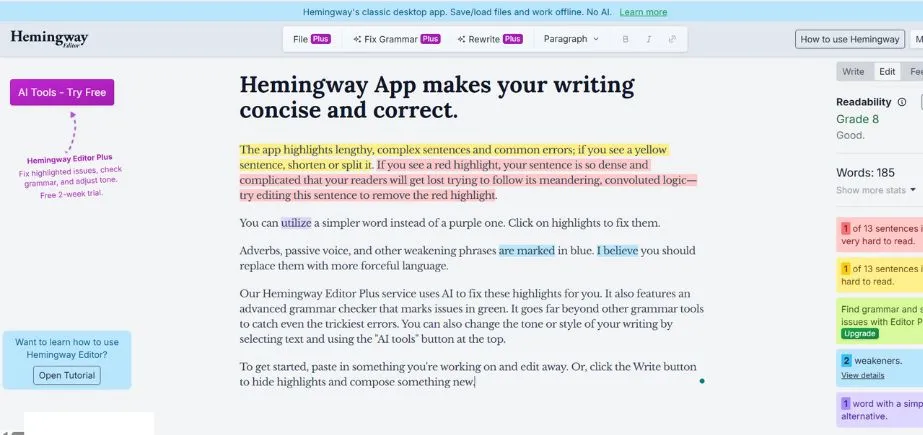
Hemingway Editor is one of the writing and editing apps with a simple interface and constructive ideology. It emphasizes lengthy sentences, the passive voice, and adverbs, as well as complex phraseology, prompting short, straightforward writing. It is good for bloggers, writers, and students, as it removes fillers and makes a point more substantial. The tool offers a clean interface for distraction-free editing. Although it does not have grammar checks or integrations, it focuses on increasing the style and readability. Hemingway comes particularly handy in creating adventurous, straightforward, and comprehensible writing.
Key Features:
- Readability scoring and grade level analysis
- Sentence complexity identification
- Passive voice detection
- Adverb and weak phrase highlighting
- Word count and reading time estimates
- Clean, distraction-free interface
Pros:
- Excellent for improving readability
- Simple, intuitive interface
Cons:
- Limited grammar-checking capabilities
- No plagiarism detection
- Basic spell checking only
- Limited integration options
Pricing:
- Web version: Free
- Desktop app: $19.99 one-time purchase
Best For:
Bloggers, content creators, web writers, and anyone focused on improving readability and clarity.
Website:
https://hemingwayapp.com
3. ProWritingAid

ProWritingAid is an all-inclusive editing tool that checks grammar, provides style corrections, improves readability, and provides comprehensive writing reports. It is perfect guidance for fiction and non-fiction writers with high-quality knowledge on sentence structure, pacing, and diction. Its comparative advantage is that the tool can be used in writing across platforms of Word, Google Docs, and Scrivener. Its lifetime license option appeals to long-term users. ProWritingAid is a popular favorite of serious writers and editors because it does both grammar correction and deeper analysis of style.
Key Features:
- 20+ writing reports and analysis tools
- Grammar and style checking
- Contextual thesaurus and dictionary
- Plagiarism checker
- Integration with major writing platforms
- Detailed writing statistics and insights
Pros:
- Comprehensive writing analysis
- Excellent value for money
Cons:
- Can be overwhelming for casual users
- Processing speed can be slow for large documents.
Pricing:
- Free version with limited features
- Premium: $6.58/month (annual) or $10/month
- Premium Plus: $8.33/month (annual)
- Lifetime license: $399
Best For:
Professional writers, authors, editors, and students who need detailed writing analysis and feedback.
Website:
https://prowritingaid.com
4. Microsoft Editor
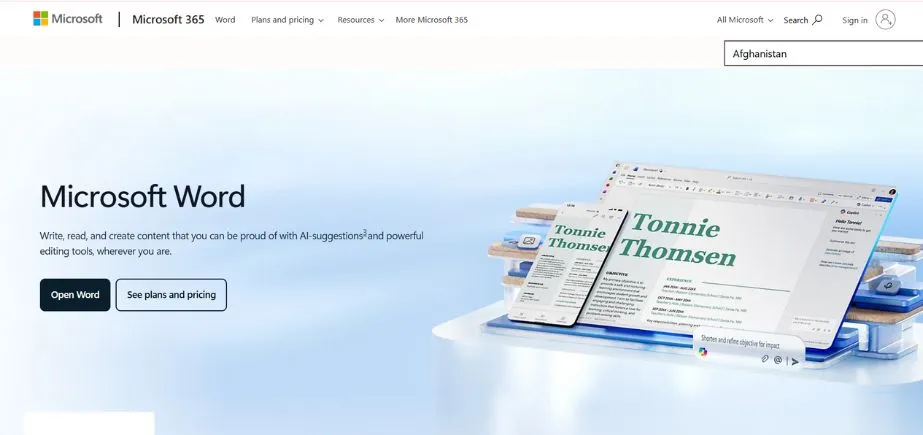
Microsoft Editor is a Microsoft 365 built-in writing support, which recommends grammar, spelling, and style choices. It works well alongside Word, Outlook, and Edge, and they are well supported in Microsoft products. Although it is inferior to Grammarly or ProWritingAid, it is an excellent business and casual writing tool. The editor also provides clarity and conciseness hints, which are also convenient in office communication, reports, and emails. It is a practical solution for users who are already using the Microsoft productivity kit.
Key Features:
- Grammar and spelling correction
- Style and clarity suggestions
- Tone detection and adjustment
- Integration with Microsoft 365 apps
- Browser extension for web writing
- Similarity checker for originality
Pros:
- Seamless integration with Microsoft products
- No additional cost for Microsoft 365 subscribers
Cons:
- Limited features compared to specialized tools
- Requires Microsoft 365 subscription for full features
- Less comprehensive than dedicated writing apps
Pricing:
- Free version with basic features
- Premium features included with Microsoft 365 subscription ($6.99/month)
Best For:
Microsoft 365 users, business professionals, and anyone heavily invested in the Microsoft ecosystem.
Website:
https://www.microsoft.com/en-us/microsoft-365/microsoft-editor
5. Google Docs
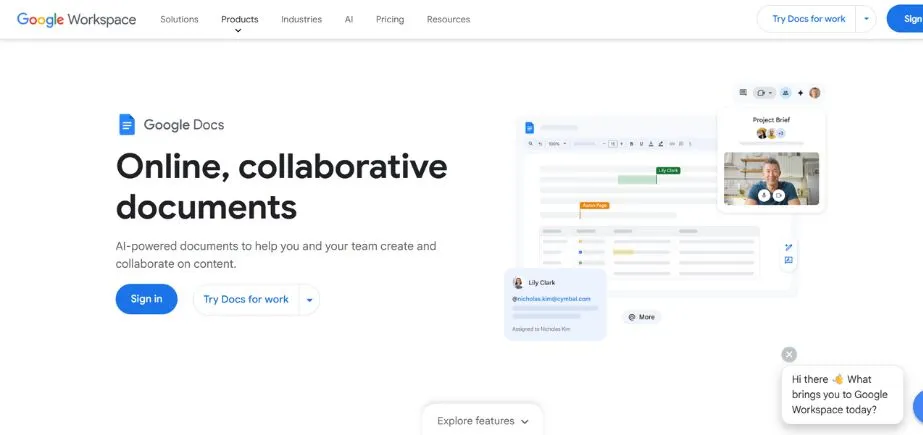
Google Docs is a real-time collaborative cloud-based word processor capable of smart typing, grammar, and spell-check. Its editor is a simple tool in comparison to professional applications, yet it helps to write an average piece. Google Docs has the potential for the use of add-ons, such as Grammarly or ProWritingAid, to do better editing. Lack of barriers to collaboration, auto-save, and the ability to access it on any number of devices render it the right tool to use as a team, for students, or for remote workers. It is free, simple, and can be used to make minor edits and joint writing assignments.
Key Features:
- Real-time grammar and spelling suggestions
- Smart compose and autocomplete
- Collaborative editing and commenting
- Voice typing and dictation
- Version history and revision tracking
- Extensive add-on ecosystem
Pros:
- Free to use with Google account
- Excellent collaboration features
Cons:
- Limited advanced writing analysis
- Basic grammar checking compared to specialized tools
Pricing:
- Free with Google account
- Google Workspace: Starting at $6/month per user for business features
Best For:
Collaborative writing projects, team documentation, students, and casual writers who prioritize collaboration and accessibility.
Website:
https://docs.google.com
6. Scrivener
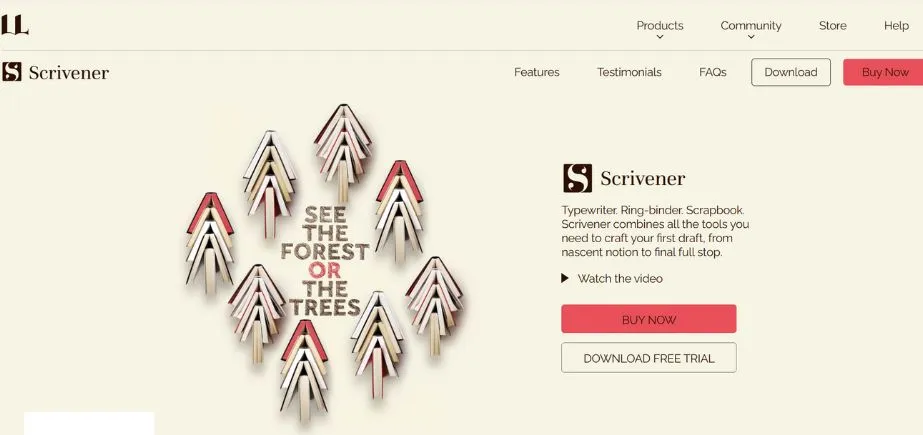
Scrivener is long-form writing software used in writing novels, research papers, and screenplays. It presents strong organizational tools, including corkboard view, document outline, research storage, and more, all at a single location. Although it is clear that it does not include grammar tools, it can integrate with other editors. Scrivener is well-known among writers, researchers, and screenplay authors because it has flexible features to handle complicated tasks. It can be used on macOS, Windows, and iOS, and requires only a one-time purchase rather than a subscription.
Key Features:
- Advanced project organization and outlining
- Research integration and reference management
- Flexible formatting and layout options
- Target setting and progress tracking
- Snapshot and version management
- Export options for various formats
Pros:
- Excellent for long-form writing projects
- Comprehensive organizational tools
Cons:
- Steep learning curve
- Limited real-time collaboration
- Basic grammar checking
- Can be overwhelming for simple projects
Pricing:
- Desktop version: $59.99 one-time purchase
- iOS version: $23.99 one-time purchase
Best For:
Authors, researchers, screenwriters, and anyone working on complex, long-form writing projects.
Website: https://scrivener.app/
Read More: Best Finance Companies in Bangalore
7. QuillBot
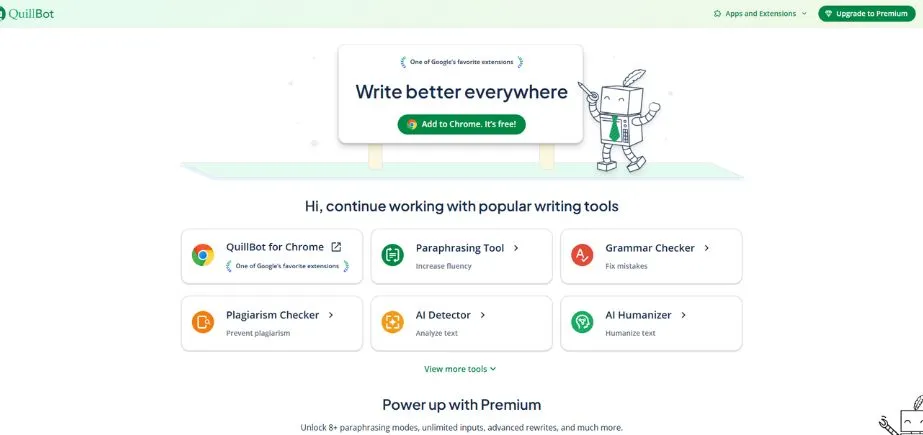
QuillBot is an AI-powered paraphrasing and writing enhancement tool. It assists the user to rephrase sentences in terms of speech, tone, and flow with the same sense. It is popular among students and researchers and has tools that search grammar, summarize, and generate citations. Quillbot is Word- and Chrome-integrated and can support scholarly writings and more informal ones. It has various modes of writing, such as formal, creative, and simple, allowing flexibility in style. QuillBot comes in handy in editing drafts and eliminating repetition and uncouth wordings.
Key Features:
- AI-powered paraphrasing with multiple modes
- Grammar and spell checking
- Summarization tool
- Citation generator
- Plagiarism checker
- Word count and character limits
Pros:
- Excellent paraphrasing capabilities
- Multiple writing modes for different purposes
Cons:
- Limited free version
- May sometimes alter meaning unintentionally
- Basic grammar checking compared to specialized tools
Pricing:
- Free version with limited features
- Premium: $4.17/month (annual) or $9.95/month
Best For:
Students, content creators, non-native English speakers, and anyone needing help with paraphrasing and rewriting.
Website:
https://quillbot.com
8. Slick Write
Slick Write is an online, free enhancer that looks at the grammar, style, spelling, and sentence structure errors. It provides writing reports in detail, readability, passive voice usage, and vocabulary. It has a quick and easy interface, and this makes it perfect even for students, bloggers, and other casual writers. It has no integrations, no sophisticated AI tools, but the suggestions and the analytical reports that it provides in real-time are accurate and solid to use with simple editing. Slick Write is suitable in case the user wants fast and minimal writing solutions.
Key Features:
- Grammar and spell checking
- Style analysis and suggestions
- Writing statistics and readability metrics
- Customizable checking options
- Clean, ad-free interface
- No registration required
Pros:
- Completely free to use
- No registration required
Cons:
- Limited advanced features
- Basic grammar checking
Pricing:
- Completely free
Best For:
Budget-conscious writers, students, and anyone needing basic writing assistance without subscription commitments.
Website:
https://www.slickwrite.com
9. Zoho Writer
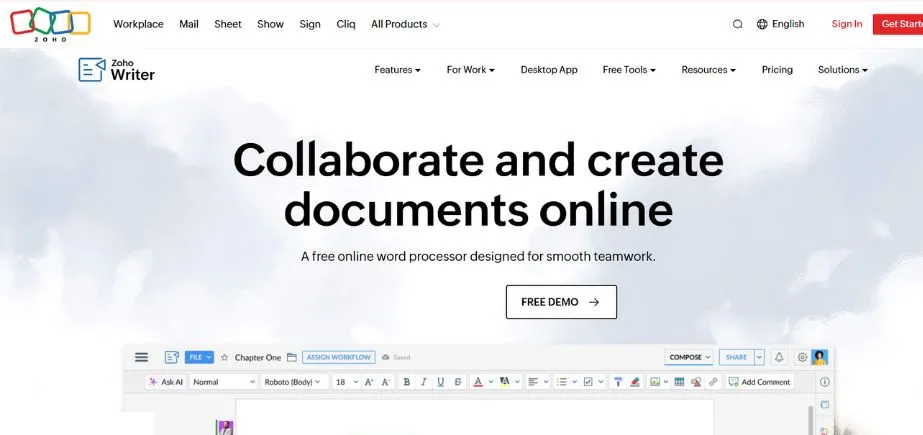
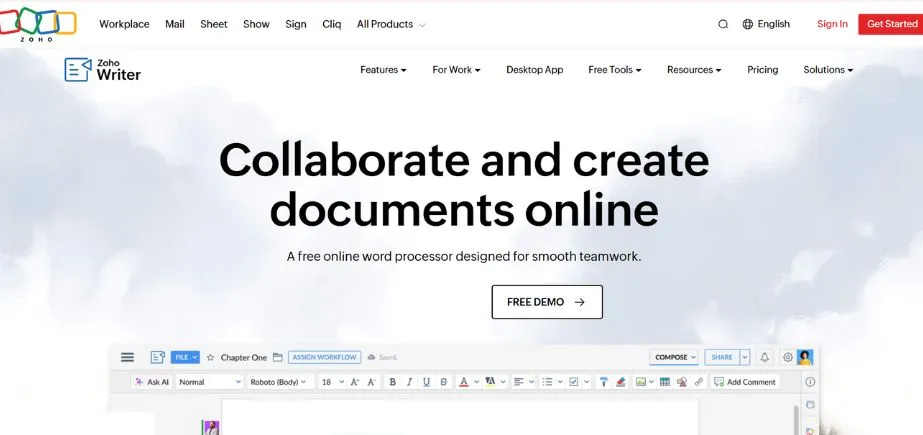
The Zoho Writer allows editing functionalities, AI-based grammar-checking, team collaboration, and smart editing functions by converting cloud code to cloud-based word processing software. It has real-time editing, version control, and offline access; therefore, it is team-friendly and remote work-friendly. Zoho Writer utilizes the possibility to integrate with the other apps in Zoho, Google Drive, and Dropbox. It has a grammatical, readability, and style AI assistant named Zia. It is suitable as a business tool and an application that deals with the document-heavy workflow and is a good alternative to Google Docs and Word.
Key Features:
- Grammar and spell checking
- Document collaboration and sharing
- Template library
- Offline editing capabilities
- Integration with Zoho suite
- Version history and tracking
Pros:
- Good collaboration features
- Integrated with business suite
Cons:
- Limited advanced writing analysis
- Smaller user community
Pricing:
- Free version with basic features
- Zoho Workplace: Starting at $3/month per user
Best For:
Small businesses, teams using Zoho suite, and users seeking affordable document creation with basic writing assistance.
Website:
https://www.zoho.com/writer
10. Ginger Software
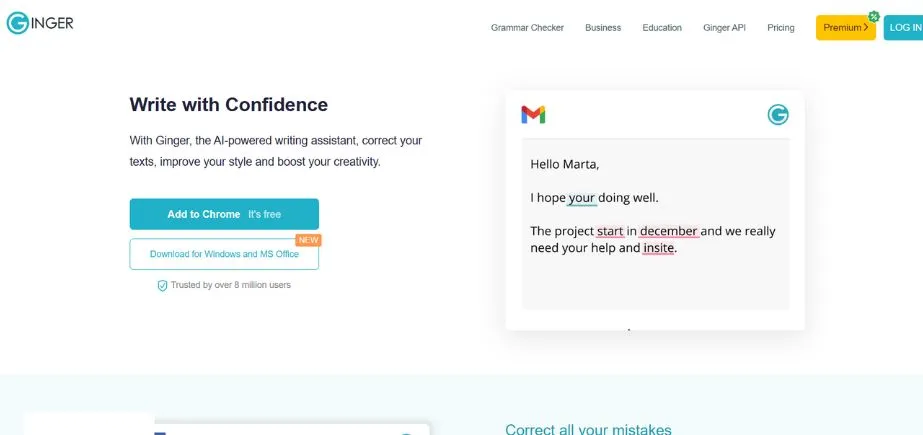
Ginger Software is one of the best writing and editing apps that provides the correction of the grammar, sentence rephrasing of the sentences, translation, and text-to-speech. It has been perfected with non-native speakers of the English language and those in the work discipline, who require writing assistance in different languages. Ginger is cross-browser, desktop apps, and mobile compatible, and its real-time suggestions are present in email, documents, and chat. It is not as well-developed as Grammarly in terms of certain features, yet it is notable because of its multilingual support and productivity tools. Ginger also excellently helps in fluency enhancement and in pairing up wrongs of writing speedily.
Key Features:
- Advanced grammar and spell checking
- Sentence rephrasing suggestions
- Translation capabilities
- Text-to-speech functionality
- Personal dictionary
- Writing practice exercises
Pros:
- Strong grammar correction capabilities
- Helpful for non-native English speakers
Cons:
- Limited free version
- The interface can feel outdated
Pricing:
- Free version with limited features
- Premium: $7.49/month (annual) or $11.19/month
Best For:
Non-native English speakers, students improving their English skills, and users needing translation capabilities.
Website:
https://www.gingersoftware.com
Comparison Table Between Best Writing and Editing Tools
| App | Platform Support | Key Features | Pricing | Best Use Case |
| Grammarly | Web, Desktop, Mobile, Extensions | Advanced grammar, style analysis, plagiarism detection | Free/$60/year | Professional writing, comprehensive assistance |
| Hemingway Editor | Web, Desktop | Readability analysis, sentence complexity | Free/$19.99 | Blog writing, content creation |
| ProWritingAid | Web, Desktop, Extensions | 20+ writing reports, detailed analysis | Free/$79/year | Professional writers, detailed feedback |
| Microsoft Editor | Web, Desktop, Mobile | Grammar checking, Microsoft integration | Free/Microsoft 365 | Microsoft users, business writing |
| Google Docs | Web, Mobile | Collaboration, basic grammar checking | Free | Collaborative writing, team projects |
| Scrivener | Desktop, Mobile | Project organization, long-form writing | $59.99 one-time | Authors, researchers, long-form projects |
| QuillBot | Web, Extensions | Paraphrasing, summarization | Free/$50/year | Content rewriting, paraphrasing |
| Slick Write | Web only | Basic grammar, style analysis | Free | Budget-conscious users, basic assistance |
| Zoho Writer | Web, Mobile | Document creation, collaboration | Free/$3/month | Small businesses, Zoho users |
| Ginger Software | Web, Desktop, Mobile | Grammar correction, translation | Free/$90/year | Non-native speakers, translation needs |
Common Mistakes to Avoid When Using Writing and Editing Apps
Although writing and editing apps can be highly effective in improving the quality of your content and making it more productive, dependence on these tools may lead to several pitfalls that users are expected to take into account and avoid. You can make better use of these applications and preserve your own voice and writing abilities by learning about these mistakes.
Over-relying on AI suggestions
It is not good to follow all the recommendations blindly, and your writing will sound mechanical or out of tune. But remember to always be judgmental to make suggestions that match your intent and audience.
Ignoring context and tone
Different writing types need different styles. The changes that apps suggest can be quite formal and inappropriate with informal, artistic, or sector-related material. Adapt suggestions accordingly.
Not reviewing changes
Automatically accepting changes may alter meaning or tone. Never read any edits (as definitively as possible), so even when they may be flawed, they do not affect your message negatively.
Dependence on tools
Being overdependent on apps may undermine your writing ability. Apply them to supplement, not to substitute, grammar knowledge, editing, and style awareness.
Neglecting audience and purpose
Apps can’t define your audience or message. Demystify your intentions prior to suggesting so as to communicate strategically and effectively.
Not customizing app settings
Irrelevant feedback may be a result of a failure to set up the settings to change the tone, audience, or style. Tailor preferences for better, more applicable suggestions.
Using too many apps at once
Mixing tools can cause confusion or duplicate feedback. Select one key tool and then occasionally apply others depending on the task requirements.
Conclusion
Writing and editing apps have emerged to be formidable tools that writers of all calibers are using to produce quality and quantity work. Applications such as Grammarly and Hemingway provides a grammar check, a style review, and a readable proofread and facilitates an easy way of creating a decent and professional product.
You can get the best out of these tools by using the tools that will suit your purpose, writing style, and budget. Employ them in the support of your own critical thinking and creativity, but not as replacements. Leave the tedious, pedestrian editing to AI and work on content strategy and an effective message.
Take your time to test several apps with free versions or trials to find out which one would help you the most in your workflow. There is no need to combine and use the tools too much; find one or two according to your demands.
Recommendations:
- Begin using Grammarly to check anything and Hemingway to find out the readability.
- Students can try QuillBot for rewriting and citation help.
- Writers managing large projects may benefit from Scrivener.
- Personalize any user setting of any tool to match your tone and audience.
- Revisit your fundamentals—AI can’t replace good writing instincts.
These tools may save you a lot of time with the right strategy, enhance readability, and overall impact of your writing.
FAQs
1. Which are the best free writing and editing apps among students?
Google Docs is very useful in group work and simple editing, whereas the Grammarly Free version has greater grammar correction. There is also a free version of ProWritingAid. Decide depending on how much you appreciate sharing or writing.
2. Can these writing and editing Apps be used to store professional texts?
Security is high in most big applications such as Grammarly, ProWritingAid, and Microsoft Editor. To work with sensitive material, you can consider offline software such as a desktop version of Hemingway. Inspect privacy policies at all times.
3. Are writing and editing Apps better at tone and clarity problems?
Yes. Grammarly identifies a tone and offers recommendations. Hemingway keeps sentences short to make them more understandable. ProWritingAid suggests readability and style hints. Nevertheless, adjust your style to the situation and audience.
4. Are writing and editing apps offline-based?
Some do. Hemingway, Scrivener, and Microsoft Word can be used offline. Google Docs is partially offline. Grammarly and ProWritingAid require the internet, in general. In case offline is the main factor, go with desktop-based apps.
5. Do I need to continue using a human editor?
Yes, in no-stakes content. The AI aids with spelling and structure, but human editors provide surrounding substance, planning, and context. The time of editing can be minimized with the help of apps, but still, they cannot completely substitute the role of a human.
Continue Exploring: Top Software Companies in Vizag