Creating a site has never been easier, and this is the result of Content Management Systems (CMS), which make the whole process sleeker. When starting a blog, an online shop, or a corporate web presence, or any other project that requires building a website, the proper selection of the CMS is the difference between an efficient and smooth website creation and a frustrating technical journey.
The Content Management System (CMS) software is a web-based platform that enables a person to create and manage the presence of digital content without having to possess a great level of technical know-how. Imagine it to be the spine of your site: it does the job of creating and editing the content, managing the users of the site, and arranging the site in any way you see it.
The convenience of a CMS matters much more than just that. These platforms have organized workflows of publishing content, built-in software optimization for search engine optimization, enhancements in security, and effective collaboration among team members. Current CMS systems have shifted to the point where they meet the needs of multiple types of websites and the technical abilities of their users.
The CMS platforms are usually divided into some categories:
- Traditional CMS: Flexible frameworks such as WordPress, which implement content management in addition to website performance
- Headless CMS: Back-end only solutions, such as Contentful, which only handle content but do not provide presentation parts to developers
- Cloud-based CMS: Solutions that rely on all infrastructure being put up in the cloud, such as Wix.
- Open-source CMS: Free applications with the most flexibility, such as Drupal, are more technical and need higher levels of expertise
The given guide provides the best 10 CMS platforms of 2026, their main features, optimal applications, and a step-by-step guide on how you can create your own web resource with the help of these robust tools.
Also read: Free Online Tools to Simplify Work
How to Choose the Right CMS Software
The choice of CMS has to be made with special attention to your needs and situation. The choice not only affects your first site launch but also has an interplay with your future growth and sustenance.
Matching CMS to Business Needs
Different website types require different CMS strengths. Bloggers require powerful content publishing tools and SEO capabilities, whereas an e-commerce store needs inventory management, checkout, and product directory options. Business websites require scalability, security, and the ability to link to existing business systems. It is quite possible that personal portfolio sites focus on the design of flexibility and ease of use more than on advanced functionality.
Technical Skills Assessment
Honestly evaluate your team’s technical capabilities. Some of them, such as Wix and Squarespace, have drag-and-drop features and are ideal for first-timers, whereas others, such as Drupal, come with abundant customization opportunities, but you have to know how to write code. Think of whether you will have in-house developers or you will be required to outsource customization and maintenance.
Scalability and Future Growth
Your CMS choice should accommodate your growth plans. A platform suited to a small blog may not be able to handle high traffic or complicated functionality. Take into account such aspects as hosting scalability, the ecosystems of active scripts, and upgrade lines to make your choice.
Community Support and Updates
Communities also provide great resources, solving issues, and frequent security patches. Commonly, platforms with a large user base have more themes and third-party integrations in addition to having more plugins. Frequent updates will make your site secure, as well as adapting to the changing web standards.
Top 10 Content Management System (CMS) Software
1. WordPress.org
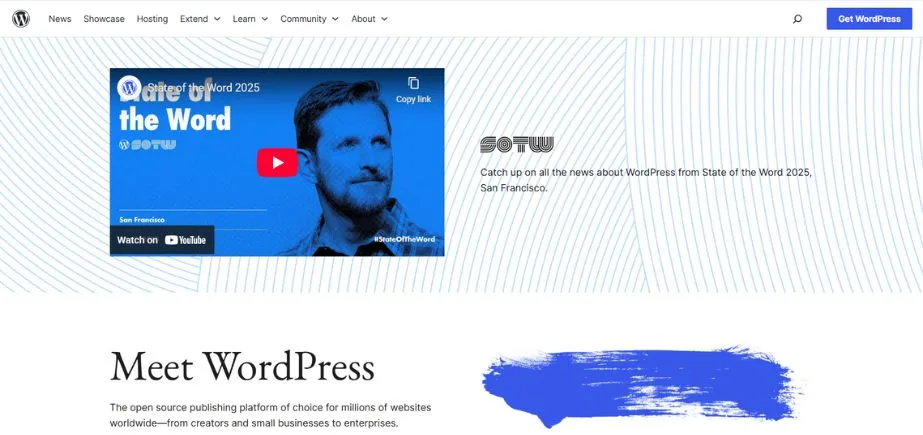
WordPress.org is the most popular open-source CMS, having more than 40 percent of all websites. It is highly flexible because there are thousands of themes and plugins that enable users to create anything ranging from simple blogs to complicated e-commerce stores. Although it necessitates self-hosting, users can control their customization process, performance, and SEO optimization. It has a significantly large international community; hence, a lot of support, frequent updates, and security enhancements.
WordPress is perfect for a blogger, agency, developer, and business of any size and grows with your site. It has integrations with WooCommerce, email marketing, analytics, and others, and it still acts as the preferred platform used by anyone who needs total ownership and extensibility without the platform limitations.
Key Features:
- Extensive plugin library with over 60,000 options
- Thousands of free and premium themes
- Built-in blogging capabilities with advanced content management
- Multi-user support with customizable roles and permissions
- Strong SEO optimization tools and compatibility
Pros:
- Completely free and open-source
- Massive community support and resources
Cons:
- Requires separate hosting and domain management
- Can become complex with extensive customization
Best Use Cases:
Blogs, business websites, portfolios, small to medium eCommerce sites, news publications
Pricing:
Free platform (hosting and domain costs separate)
2. Joomla
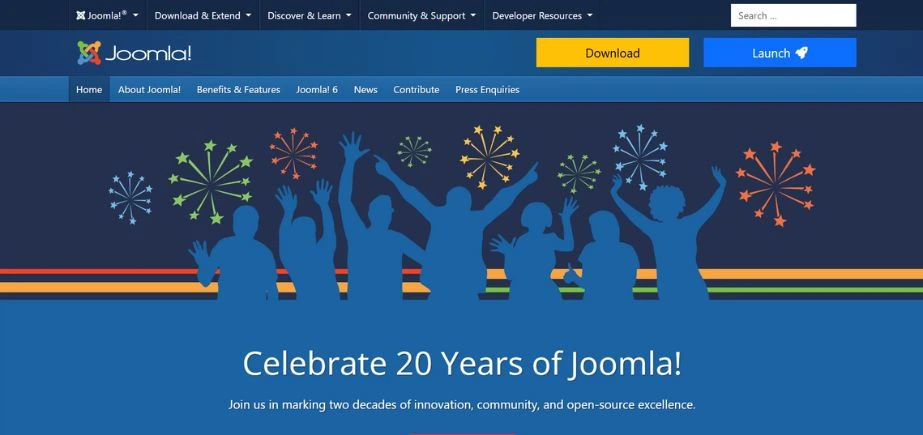
Joomla is a flexible, open-source CMS system that is well used by people who possess intermediate to advanced technical experience. It provides an organized scheme that is good at handling huge amounts of content and a large number of users. Joomla is ideal with multi-lingual support, powerful access control, and support of an extensive extension library to deal with complex sites such as intranets, government sites, and network sites.
Its backend interface is technically more advanced than WordPress, but it offers a higher range of control over the permissions, layouts, and types of content. Joomla has an MVC architecture, which is an advantage to developers because it can be further customized. It is ideal to be implemented in organizations requiring such a form of structure, powerful user access control, and content workflows.
Key Features:
- Advanced user management with detailed access controls
- Multilingual support built into the core platform
- Flexible content organization with categories and tags
- Template system with extensive customization options
- Built-in caching and performance optimization
Pros:
- More advanced user management than WordPress
- Strong multilingual capabilities out of the box
Cons:
- Steeper learning curve than WordPress
- Smaller community and fewer third-party extensions
Best Use Cases:
Corporate websites, online magazines, membership sites, multilingual websites
Pricing:
Free platform (hosting and domain costs separate)
3. Drupal
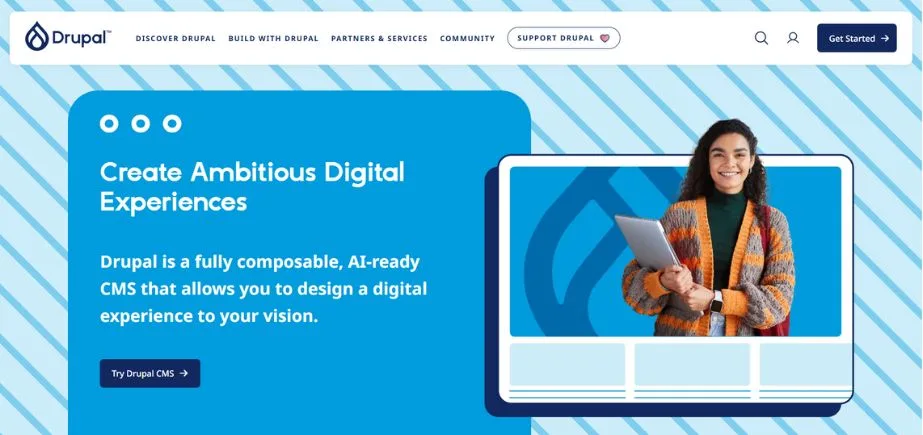
Drupal is an enterprise-level CMS with a big reputation for scalability, security, and robust structure. It is well-liked by large organizations, governments, and universities because it accommodates complex websites that include custom workflows, multilingual content, user permissions, and more. It is performance-optimized and very customizable, though it is quite steep to learn.
Drupal has a modular structure; hence, developers can customize features to their liking. It has been developed to handle structured information, massive data handling, and versatile APIs. Drupal is a good choice, as it has a solid community with frequent updates, and it fits websites that require high levels of security, scalability, and extreme customization.
Key Features:
- Highly customizable content types and fields
- Advanced taxonomy and content organization
- Robust security features and regular updates
- Scalable architecture for high-traffic websites
- Powerful API for custom integrations
Pros:
- Exceptional security and performance for enterprise use
- Unlimited customization possibilities
Cons:
- Requires significant technical expertise
- Steep learning curve for non-developers
Best Use Cases:
Enterprise websites, government portals, universities, complex web applications
Pricing:
Free platform (hosting and domain costs separate)
4. Wix
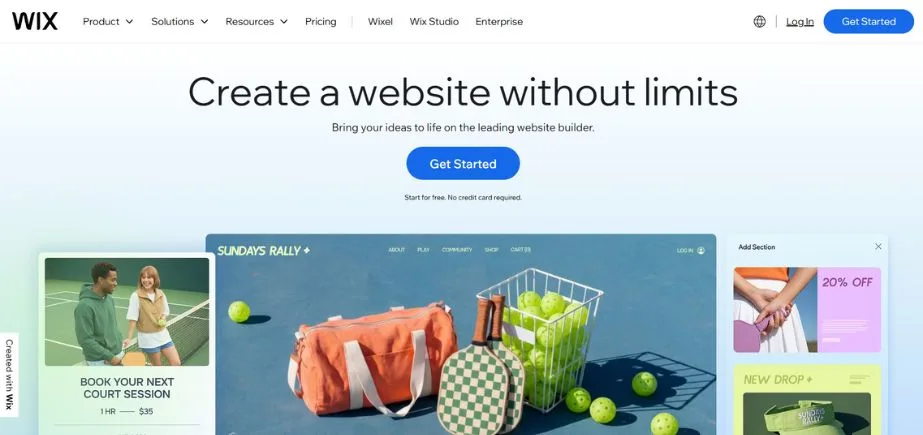
Wix is a cloud-based, all-in-one web builder and content management system, and it targets consumers who want their sites to be easily produced, attractive to the eye, and fast to implement. It currently has a drag-and-drop interface that enables anyone to create a responsive site without coding skills. Wix provides a selection of several hundred templates, customizability, search engine optimization tools, a blog, and in-built hosting.
It aids online shops, appointments, and galleries, and hence attracts small companies, self-employed individuals, and designers. On the one hand, it is not as open-source as WordPress, and it is rather convenient to use, particularly when the emphasis is put on design and simplicity rather than on multifunctional capabilities. It is a fantastic option for anyone desiring a professional, streamlined site, especially one who does not require a whole lot of hassles.
Key Features:
- Visual drag-and-drop editor with real-time preview
- App marketplace with hundreds of add-ons
- Built-in hosting and SSL certificates
- Mobile-responsive design optimization
- Integrated analytics and SEO tools
Pros:
- Extremely user-friendly with no coding required
- All-in-one solution including hosting and support
Cons:
- Limited customization compared to open-source options
- Cannot export sites to other platforms
Best Use Cases:
Small businesses, personal websites, portfolios, event websites
Pricing:
Free plan available; premium plans from $14-$39/month
5. Shopify

Shopify is a niche content management system for developing and managing online shops. It is a hosted, full-service eCommerce platform, having user-friendly tools regarding inventory control, safe money collection, competitive shipping, and the ability to sell in multiple channels. Shopify best suits individuals, small companies, and enterprise-level brands that need to find a stable and quick solution with mobile responsiveness.
App Store integrations include hundreds of options, such as marketing automation or upsell tools. It has a simplified interface such that anybody can set up and customize a store. Shopify has excellent customer support, analytics, and conversion-focused features to be the best platform to use when seeking a fast scale in an e-commerce-oriented business.
Key Features:
- Comprehensive eCommerce tools, including inventory management
- Built-in payment processing with multiple gateway options
- Mobile-responsive themes optimized for online sales
- Integrated shipping and tax calculation tools
- Advanced analytics and reporting for sales tracking
Pros:
- Purpose-built for eCommerce with all necessary tools included
- Handles payment security and compliance automatically
Cons:
- Monthly fees plus transaction costs
- Limited flexibility for non-eCommerce functionality
Best Use Cases:
Online stores, retail businesses, dropshipping, subscription services
Pricing:
Plans from $29-$299/month plus transaction fees
6. Webflow
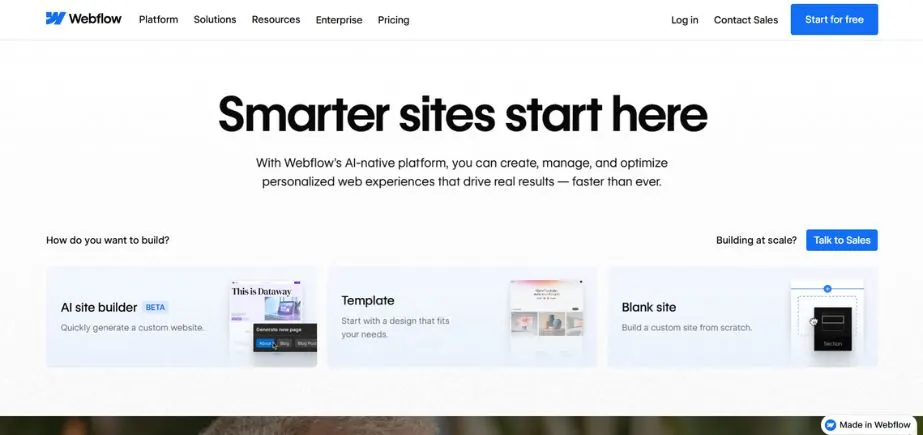
Webflow is an integrated visual design engine that gives you speed and control of custom code. It is a designer-centered CMS that enables people to create responsive and pixel-perfect websites without programming. The CMS of Webflow allows managing dynamic pages such as blogs, portfolios, and product lists through a web-based user interface that is simple to edit and publish.
It is also favored by the agencies, designers, and startups interested in having current, visually appealing websites. Hosting, SEO controls, and animation tools built in make it an all-around platform that is professionally built with high-performing sites. The target audience of Webflow includes individuals who wish to have developer-like results without affecting a single line of code.
Key Features:
- Visual CSS grid and flexbox design tools
- Clean, semantic code generation
- Advanced animations and interactions
- Built-in CMS for dynamic content
- Responsive design tools with device-specific customization
Pros:
- Professional design control without coding
- Generates clean, performant code
Cons:
- Steeper learning curve than simple builders
- Higher pricing for advanced features
Best Use Cases:
Design agencies, portfolios, marketing websites, small business sites
Pricing:
Free plan available; paid plans from $12-$36/month
7. Ghost

Ghost is a CMS that is meant to be used in releasing and managing content. It is simple, light, fast, and SEO-friendly, and it has a clear writing interface, which is blog-centric, newsletter-based, and membership-driven. Ghost allows email subscriptions by proxy and custom themes, and analytics are prebuilt on a single platform.
Ghost was created to serve the needs of independent creators, media companies, and subscription businesses who wanted to “own” the content they produced and truly own the monetization lever. It can be hosted by oneself or through Ghost(Pro), a hosted version. Ghost promises elegance, ease of use, and content-first features, offering an alternative to serious content publishers.
Key Features:
- Distraction-free writing environment with markdown support
- Built-in membership and subscription functionality
- Advanced SEO optimization and performance
- Email newsletter integration
- Modern, fast-loading themes
Pros:
- Optimized specifically for content publishing
- Fast loading times and excellent SEO performance
Cons:
- Limited functionality beyond blogging
- Fewer customization options than general-purpose CMS
Best Use Cases:
Blogs, online publications, newsletters, content creators
Pricing:
Hosted plans from $9-$199/month; self-hosted option available
8. Contentful
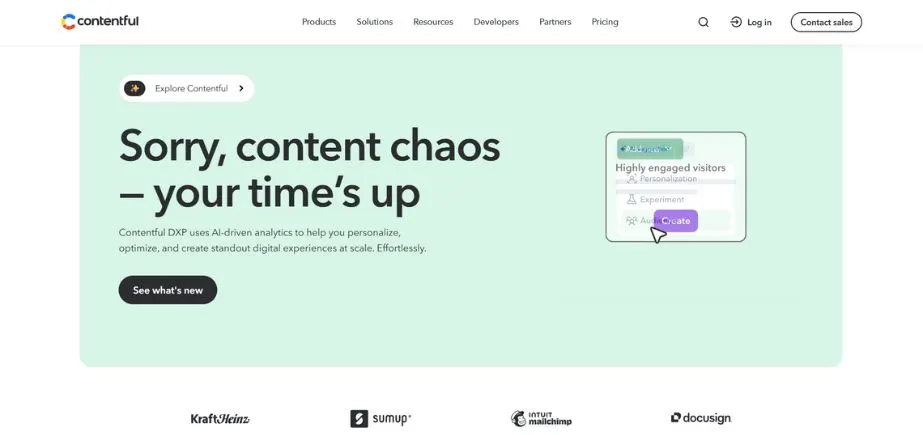
Contentful is one of the most popular headless CMSs, which decouples content and presentation and is perfect to support omnichannel digital interactions. In comparison to the traditional CMSs, Contentful employs APIs to provide content anywhere: on websites, mobile applications, wearables, and digital screens. It is adaptable to different content modeling, high APIs, and expandable infrastructure, which is why it easily finds its place among business organizations and development teams.
Contentful is suitable in instances where content reuse is required across platforms by an organization, as well as in the need to localize materials and content at a fast pace. It combines well with such frameworks as Gatsby, Next, and React, which means that it is popular among modern web developers. Best suited to the brands that focus on performance, flexibility, and a future-proof content architecture.
Key Features:
- API-first architecture for multi-channel content delivery
- Flexible content modeling with custom fields
- Developer-friendly with extensive API documentation
- Multi-language content management
- Real-time collaboration tools for content teams
Pros:
- Ultimate flexibility for custom front-end development
- Excellent for multi-platform content distribution
Cons:
- Requires developer expertise for implementation
- Additional costs for front-end development
Best Use Cases:
Mobile apps, multi-platform publishing, custom web applications, enterprise content strategies
Pricing:
Free tier available; paid plans from $300 to $3,000+/month
9. Squarespace
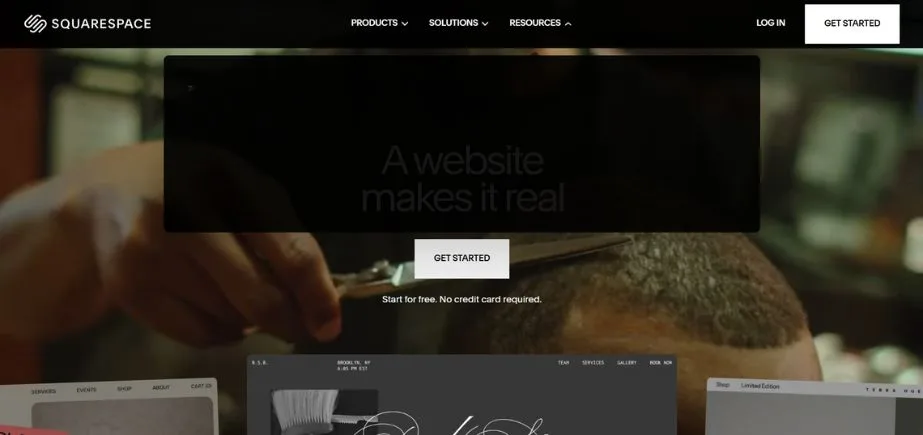
Squarespace is a fashionable, design-focused CMS that caters to innovators, start-ups, and small and medium enterprises. It allows anyone with no technical know-how to create beautiful websites with the help of their drag-and-drop editor, award-winning templates, and an all-inclusive design. Squarespace has capabilities of supporting blogging, eCommerce, portfolio management, and it has SEO tools, analytics, and email marketing.
As it lacks customization, found in open-source platforms, it is brilliant in terms of user experience and aesthetic design. It comes with hosting, SSL, and support, which makes it the ideal solution for those users who like things to be easy and simple to the eye. Squarespace is specifically the platform of choice of artists, photographers, and service businesses that want a professional online presence.
Key Features:
- Designer-quality templates with professional aesthetics
- Integrated blogging and eCommerce capabilities
- Built-in analytics and SEO tools
- Mobile-responsive design across all templates
- 24/7 customer support
Pros:
- Beautiful, professional designs out of the box
- All-in-one solution with hosting and support included
Cons:
- Limited customization beyond template options
- Cannot switch templates without rebuilding content
Best Use Cases:
Creative portfolios, small businesses, restaurants, personal brands
Pricing:
Plans from $12-$40/month
10. HubSpot CMS
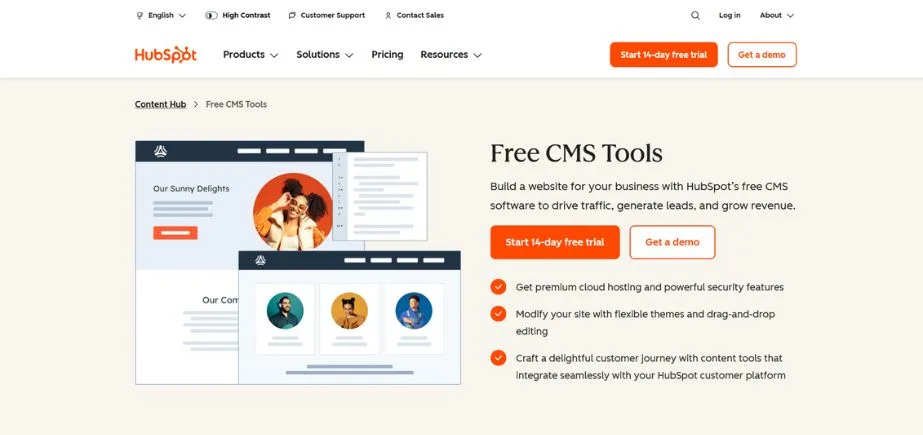
HubSpot CMS is a content management system based in the cloud, connected with HubSpot marketing, sales, and CRM tools. An ideal tool for businesses concerned with lead generation and customer communication, it features smart content, drag-and-drop editing, SEO, and in-built analytics. Marketers are able to make the content customized easily, carry out A/B tests, and design conversion-optimized landing pages.
HubL (HubSpot templating language) can be used by developers to go even further in customization. Automated by HubSpot in security, hosting, and support, it is less suited to businesses with an emphasis on developing a relatively comprehensive CRM than those that favor a marketing-first approach to CMS. HubSpot CMS is ideal when used in growth-oriented entities with a desire to be in perfect harmony with inbound marketing activities in terms of the site strategy.
Key Features:
- Drag-and-drop page builder with marketing focus
- Integrated CRM and marketing automation
- Advanced personalization and A/B testing
- Built-in analytics and conversion tracking
- Security and hosting handled by HubSpot
Pros:
- Seamless integration with marketing and sales tools
- Built for conversion optimization and lead generation
Cons:
- Higher cost compared to standalone CMS options
- Best value requires commitment to full HubSpot ecosystem
Best Use Cases:
B2B companies, marketing-focused businesses, companies using HubSpot tools
Pricing:
Starts at $45/month (requires HubSpot subscription)
CMS Comparison Table
| CMS Name | Best For | Ease of Use | Flexibility | Hosting Type | Website |
| WordPress.org | Blogs, business sites, full-featured sites | Moderate | Very High | Self-hosted | wordpress.org |
| Joomla | Complex sites, multilingual portals | Moderate/Advanced | High | Self-hosted | joomla.org |
| Drupal | Large-scale, secure enterprise platforms | Advanced | Very High | Self-hosted | drupal.org |
| Wix | Small business & portfolio websites | Very Easy | Low/Moderate | Fully hosted | wix.com |
| Shopify | eCommerce stores | Very Easy | Moderate | Fully hosted | shopify.com |
| Webflow | Designer/developer-driven marketing sites | Moderate | High | Fully hosted | webflow.com |
| Ghost | Content publishing & newsletters | Easy | Moderate | Self-hosted / Cloud | ghost.org |
| Contentful | Headless CMS for multi-platform delivery | Advanced | Very High | Headless/Cloud | contentful.com |
| Squarespace | Creative portfolios and small businesses | Very Easy | Low/Moderate | Fully hosted | squarespace.com |
| HubSpot CMS | Marketing-focused business websites | Easy | Moderate/High | Fully hosted | hubspot.com |
How to Build a Website With a Content Management System
Development of a website via CMS is a process, and the logical flow of the process gives a functional and professional-looking website. Here’s your step-by-step roadmap:
Step 1: Choose Your CMS and Hosting Provider
In line with what you have gathered about your needs, identify the CMS that fits your needs most closely. In the case of hosted solutions, like Wix or Squarespace, hosting is included. In the case of self-hosted systems such as WordPress, investigate hosting companies that specialize in the identified CMS. Seek out providers who promise good performance, security, and customer support.
Step 2: Install or Sign Up for the CMS
Hosted platforms require simple account creation and plan selection. The complexity of self-hosted CMS installs differs, with most hosting companies having a single-click option to install popular CMS such as WordPress. It guides you through the process of installing the programs and gives you the choice to create your administrative account and make some basic settings, such as the site title, time zone, and language.
Step 3: Select and Customize a Template or Theme
Search through the library of themes that suit your needs—there are as many ready themes as there are varieties of aesthetics. Take into consideration such aspects as mobile responsiveness, speed of loading, and features that it includes. Package your desired theme and start customizing it by adding your logo, color, and fonts and setting the layout settings according to your brand.
Step 4: Add Pages, Content, and Media
Create essential pages like Home, About, Services, and Contact. Come up with a content approach that includes SEO keyword research. Load quality pictures, but ensure that they are well compressed as web pictures. Produce content that is engaging to your audience, as well as include important keywords in the natural flow of the content.
Step 5: Set Up Navigation, Plugins, and Essential Tools
Set up your primary menu so that it contains very clear and sensible ways to navigate through your site. Install the necessary functions, such as contact forms, social media integration, and backup solutions with functionality. Install analytical applications such as Google Analytics to monitor visitor patterns and the performance of a site.
Add on-page optimization plug-ins and optimize the meta titles, description, and alt text of the images in SEO. Apply security such as SSL certificates, backup, and security check tools.
Step 6: Preview, Test, and Publish Your Site
Test your site on multiple devices and browsers before the launch. Check all links, forms, and interactive elements. Check the content and eliminate mistakes, as well as all pictures. Speed-check the test sites with speed tools such as Google PageSpeed Insights and optimize.
After conducting a test, publish your site and put it in search engines. Install monitoring devices to check the performance and security, and create a proactive routine of regular updates and backups.
Final Thoughts
The CMS landscape in the year 2026 provides unprecedented possibilities for making professional websites without huge technical competence. WordPress.org will still be the most versatile choice in case one becomes ready to manage hosting and maintenance, and WordPress alternatives such as Wix or Squarespace are a better choice in case one is focused on convenience. Entrepreneurial users must think of either Drupal or HubSpot CMS to allow utmost flexibility or combined marketing features.
Experiencing a high degree of success when using any CMS starts with selecting the system that best suits the nature of your technical capabilities, business intentions, and growth. There is no need to be shy, and you should take advantage of the free trials or demo versions available and decide on the platform you want to use finally. Do not forget that the most appropriate CMS is the one that your team can successfully use and tend to during the period.
Determine which platform will be your choice, but do not forget about regular updates of the content, security, and optimization of the performance. An effectively optimized site on a basic CMS can never be more effective than a poorly maintained site on the latest technology. Concentrate on writing good stuff your audience would enjoy, and leave the technical nature of contemporary web publishing to your chosen CMS.
FAQs
1. What do we call a Content Management System (CMS)?
CMS is a kind of software that allows users to create, edit, and maintain digital files on a website without having specific specialized knowledge of technology. It makes it easier to publish on the web by providing content editing, organization, and presentation tools.
2. What is the easiest CMS?
Wix, Squarespace, and WordPress.com are perfect first-timer sites, as they are very easy to set up, have drag-and-drop builds, and have ease of setup. WordPress.org is an excellent option, which gives you more leeway on a learning curve.
3. Which CMS can be used in eCommerce?
Shopify is specifically designed and suitable for use in eCommerce, involving all the items required to sell online. Other powerful ones are WooCommerce (on WordPress), Wix, and Squarespace, with enhanced eCommerce, or less customizable options within Drupal and Joomla.
4. What is the relationship between headless CMS?
Most common CMS, such as WordPress, merge content and presentational elements. Headless CMS, such as Contentful, decouples content management and presentation, allowing developers to distribute content on different platforms, such as mobile apps, websites, and IoT.
5. What should I look for in selecting the appropriate CMS for my business?
Think of your technical skills, the complexity of the site, scale requirements, budget, and your content objectives. To give an example, Ghost is employed with bloggers, Shopify is excellent for online stores, and Webflow and Drupal are for designers and developers who are in need of additional control.