
Nowadays, email is more than ever a very important tool in terms of safeguarding personal conversations as well as commercial secrets due to the countless emails containing personal messages and business deals flooding in each day. Email Security Software is like a guardian angel at your front door; it inspects the mail looking for viruses, thwarting those tricky phishing attacks, and encrypting your email so that only the correct parties can view it.
You can use the tool to select the correct one, whether you are operating a small business in Delhi or just protecting your family photos without slowing your day down. In this blog, we will deconstruct the best email security tools that is user-friendly, inexpensive, and full of features to protect you against cyber threats.
What is Email Security Software?
An email security tool is a special cybersecurity tool that secures email messages against computer attacks such as phishing, malware, ransomware, spam, and business email compromise (BEC). It uses the most optimal methodologies, including AI-based threat detection, spam filter, attachment / link scanning in sandboxes, sender authentication protocols (i.e. DMARC, SPF), data loss prevention (DLP), and encryption to assist in the blocking of malicious content before it gets to the inboxes, conform to it, and reduce the chances of breaches in real time.
Why is Email Security Software Important?
The application of email security tools is explained by the fact that one of the most commonly used vectors of attack by cybercriminals is email, and a single spam message can lead to data theft, loss of money, or total breach. It protects people and companies against threats that are screened on their way to the inbox, as well as protecting confidential information.
Key reasons:
- Gets rid of phishing and spoofing. Email security software identifies any spoof or impersonation attempt to defraud users by telling them to disclose passwords, OTPs, or bank information, and averts any possibility of hijacking and fraud of an account.
- Inhibits ransomware and malware attacks. It checks the attachments and links in the emails to help in preventing downloading and spreading of the viruses, spywares, and ransomwares to the machines or networks.
- Secures confidential and sensitive information. The filter capabilities and the encryption would exclude intercepting confidential information (customer information, financial records, or even internal communications) via email.
- Fewer spam and high productivity. The more advanced spam filters block the unwanted emails or spam in the inboxes, hence the user will spend less time cleaning spam and will get fewer hassles in the workplace.
- Assistance in regulatory and compliance.:Numerous data-protection regulations (as well as GDPR-like regulations and industry-specific regulations) demand a safe manipulation of personal and sensitive information; email security tools contribute to fulfilling these requirements with encryption and logging features, as well as access management.
- Helps avert information leakage and theft. Email security helps prevent expensive breaches, fines, and negative publicity by preventing malicious emails, account-takeover attacks, and similar actions.
- Offers real-time and enhanced threat coverage. Contemporary solutions are based on the ability to detect and block zero-day attacks and evolving threats on the fly through the use of anti-spam, anti-malware, and threat-intelligence engines.
- Protects email systems in the organization. Email security appliances (such as secure email gateways) can serve as a defensive mechanism to prevent outbound and inbound traffic between internal mail servers and the external networks to ensure system integrity.
List Of 11 Best Email Security Software
1. Proofpoint Email Protection
Website: https://www.proofpoint.com/products/email-security
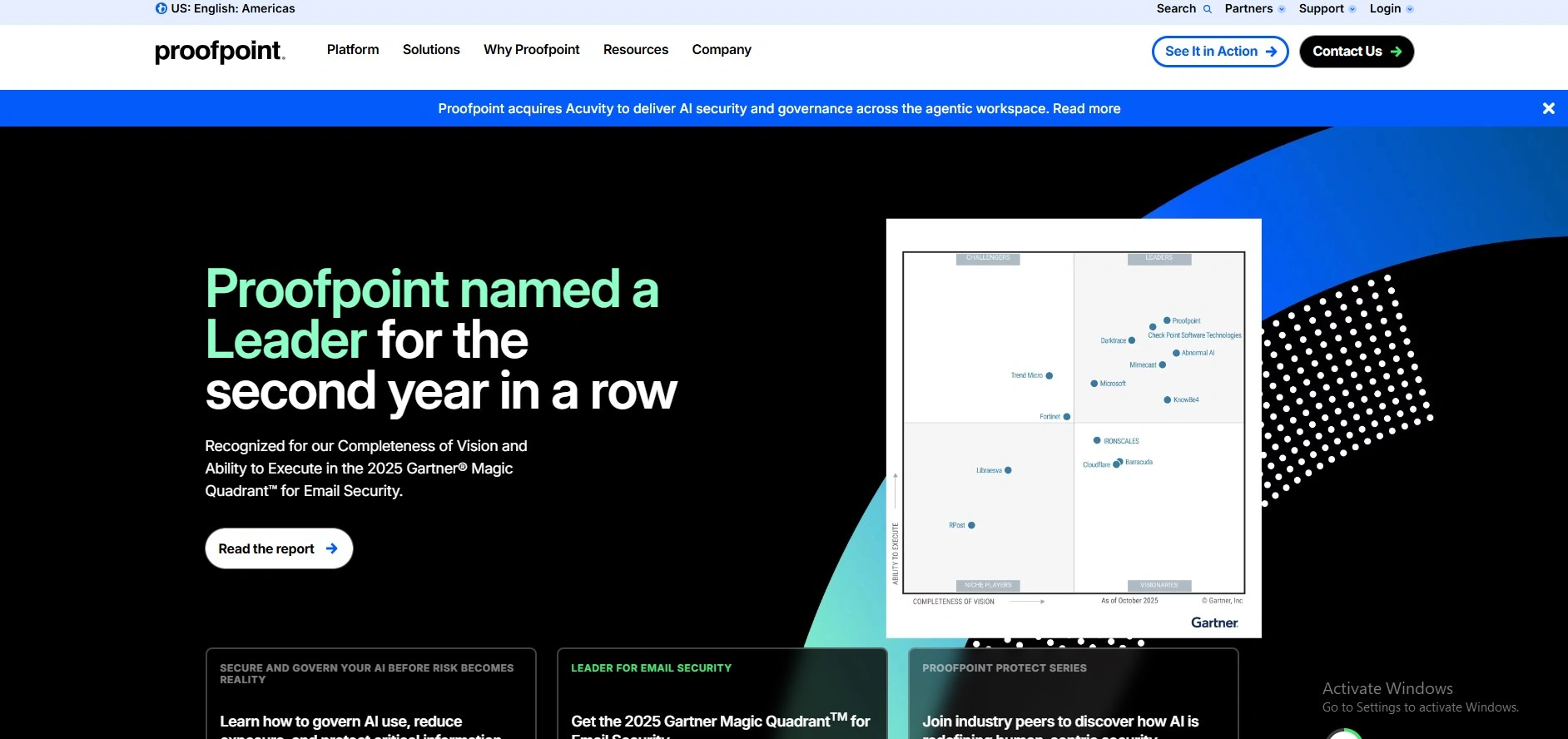
Proofpoint Email Protection is an email protection software that is evidence-based on top of an organization’s email server (or cloud email server like Microsoft 365 or Google Workspace) to prevent spam, phishing, and ransomware, among other malicious emails, before they reach the inbox of the user. As one of the most trusted email security software.
It has multi-layered threat detection, URL rewriting, sender-authentication (DMARC, SPF, DKIM) to block and sandbox suspicious email and complex threat intelligence to permit outbound email protections based on policy (encryption and data-loss-prevention (DLP)) and policy-based encryption and data-loss-prevention (DLP).
Key features:
- A Secure Email Gateway that breeds messages relayed and received at the cloud level.
- Advanced threat protection (ATP): Sandboxing of malware, defense of URL, and targeted attacks.
- anti-spam and anti-phishing filters based on sender-authentication (DMARC, SPF, DKIM)- and impersonation-detection-based filters.
- Sensitive outbound Email encryption and policy-based email encryption.
- In Quarantine control and granular policy as an administrator.
- Email-traffic-pattern and threat dashboards, reports, and analytics (real-time).
- Melded with Microsoft 365, Google Workspace, and on-premises Exchange arrangements.
pros:
- Very large spamming and phishing-blocking rate (usually claimed to be more than 99 percent).
- Diversity and superficiality of the email rules and policies.
- Proper ATP, BEC (Business Email Compromise) security.
- Enterprise-ready and SLA, Cloud services.
cons:
- It can be extremely hard to create within a whole, particularly one small team.
- The premium packages and additions may be costly to the mid-size corporations.
- The more sophisticated features are only available with additional enterprise packages or modules.
Price:
- Quoted based
2. Mimecast Secure Email Gateway
Website: https://www.mimecast.com/products/email-security/secure-email-gateway/
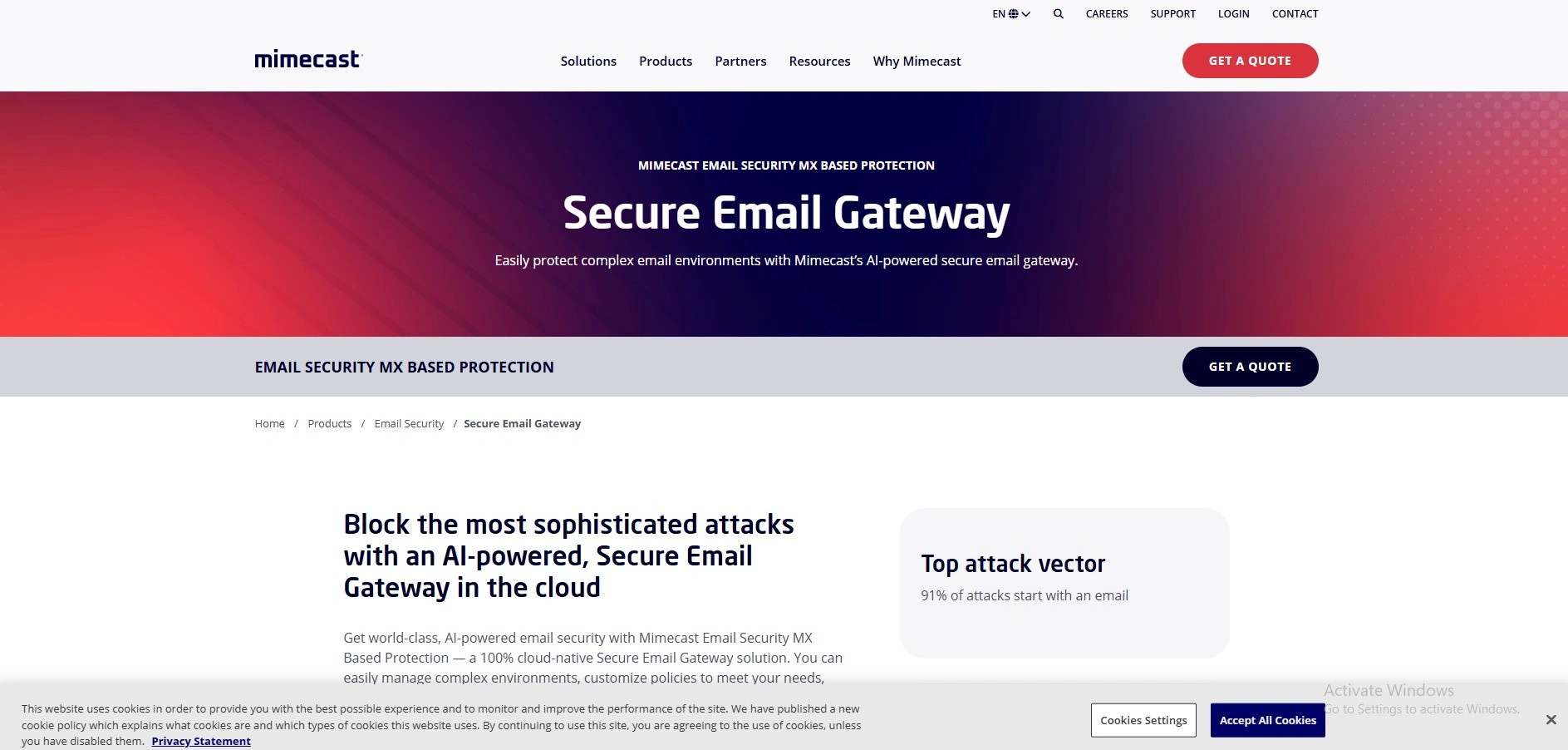
Mimecast Secure Email Gateway is an email security service (a perimeter firewall of sorts) that is a cloud-based service that inspects traffic before it hits Microsoft 365, Google Workspace, or an on-premises mail server by scanning inbound and outbound internet traffic to identify and prevent phishing, malware, spam, and impersonation-style attacks. As one of the trusted email security tools.
It employs AI-based threat detection, dynamic intelligence feeds, URL rewriting, and sandboxing to examine attachments and links, while also enforcing DLP-like outbound policies to avoid data leakage and encrypting messages when required through the Mimecast encryption gateway.
Key features :
- Secure email gateway based on cloud native and protecting Microsoft 365, Google Workspace, and on-premise environments.
- Phishing, malware, spam, and zero-day phishing detection.
- URL-rewriting and on-click security that will scan links in real-time, even when a site becomes malicious in the future.
- Scanning of advanced attachments to identify malicious activity and evasion mechanisms with a sandbox.
- Email scanning outbound and DLP controls to prevent sensitive data leakage and implement compliance.
- Continuity and failover so email will continue even when the primary mail server is unavailable.
- Encryption of emails (Secure Messaging) to deliver secure messages and attachments.
- Single console centralized administration with routing and security policy customization to use in complex, multi-tenant, or M and A intensive settings.
Pros:
- Dismissive phishing, malware, spam, and BEC-type.
- Cloud-based, therefore, no additional on-premise systems or challenging integration.
- Multiprograms (M365, Google, hybrid) of emails.
- The gateway service has good uptime and reliability.
- User-friendly policy and quarantined mail management interface.
Cons:
- Admin console may be too busy or not user-friendly.
- Certain file-extension blocking rules have some users complaining that they can be customized less.
- Reporting and analytics are less flexible or detailed than those of the competitor.
- It is more expensive than entry-level SEG solutions, in particular at the scale level.
Price:
- Quoted based
3. Cisco Secure Email
website: https://www.cisco.com/site/us/en/products/security/secure-email/index.html
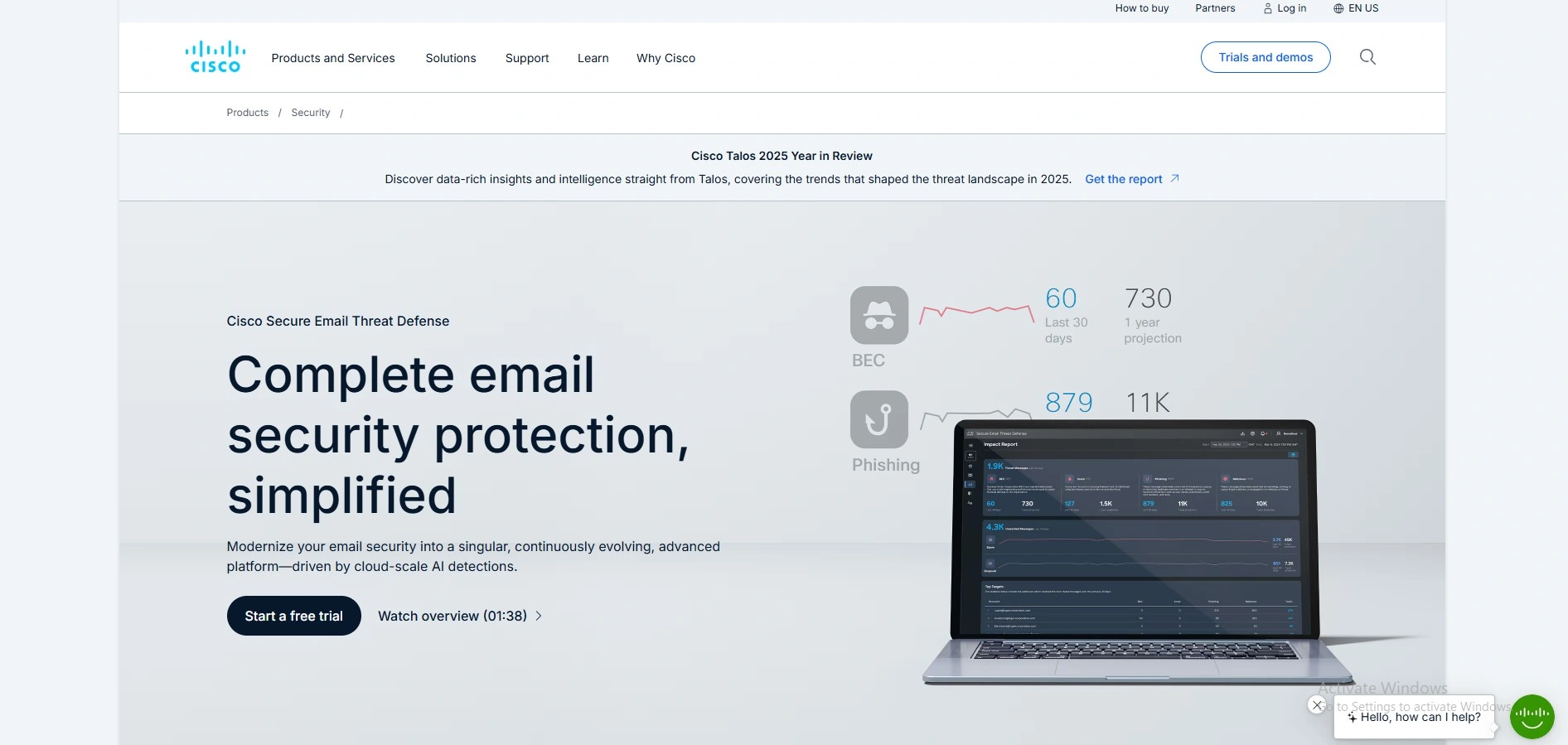
Cisco Secure Email is a Cisco email-security service, a cloud-computing email-security service that is employed to defend against phishing, spoofing, business email compromise (BEC), malware, and data-leak threats in both on-premises email and cloud-hosted email (as in Microsoft 365). As one of the leading email security software, it uses both Cisco Talos threat-intelligence network and machine-learning-based analytics and can scan inbound, outbound, and internal messages, block spam, block malicious links and attachments, and help in the enforcement of policies of data-loss-prevention (DLP), and fits in with Cisco SecureX to present one unified security monitoring and functionality.
Key features:
- Sophisticated threat protection Phishing, BEC, malware, ransomware, and zero-day attacks.
- Multi-layered protection incorporating signature-based detection, reputation service, and behavioral analytics.
- Full access to both outbound, incoming, and internal email messages.
- DLP and policy-driven protection to determine and prevent sensitive-data intrusion.
- Microsoft 365 and other email systems integration: Cloud-native, hybrid, and on-prem deployment systems.
- Secrecy Email encryption ( Cisco Secure Email Encryption Service ) of confidential e-mails, read-receipt and recall option, and expiration date.
- Cisco SecureX centralized security management integration Reporting, analytics.
Pros:
- There is a strong underpinning of Cisco Talos threat-intelligence.
- AI defended, multi-layered, advanced email threat.
- Good internal, inbound, and outbound email visibility.
- Hybrid, on-prem, and cloud deployment (flexible).
- SecureX in the security stack in Cisco was a centralized control.
Cons:
- Some of its underlying features (such as DMARC) are add-on or licensing-extras non-base plans.
- Could be expensive to install and maintain in the small groups that lack specific security staff.
- It is per-user/per-mailbox pricing that could be very expensive in large scale.
- The analytics and reporting features are considered good, but not as refined as they are in some of the competitors.
Price:
- Quoted based
4. Microsoft Defender for Office 365
Website: https://www.microsoft.com/en-in/security/business/siem-and-xdr/microsoft-defender-office-365
Microsoft Defender for Office 365 is an email and collaboration service that protects against advanced threats, such as phishing attacks, malware, ransomware, business email compromise, and spam against Microsoft 365 mailboxes. As one of the advanced email security tools, it works with real-time threat intelligence and machine-learning models on emails, links, and attachments, and scans them before they get to the users, including Safe Links (checks URLs on clicking), and Safe Attachments (sandboxed and detonates suspect files).
The solution also includes anti-phishing and anti-spoofing policies, the detection and automatic investigation and remediation of account compromise, so that IT teams can reduce the risk and react faster to attacks delivered to email.
Key features:
- Good anti-phishing and spoof-detection of users and domains.
- Email and file attachments. Guaranteed cloud-based file/email sandboxing.
- Free URL check and scanning on links in email, Office applications, and Teams.
- Inbound and outbound message anti-malware, anti-spam, quarantine, and allow/block-list.
- Threats Notifications in the Microsoft 365 security center, email-entity-level investigation pages, and real-time threat detection.
- Automated investigation and response (AIR) capability and attack-simulation training were found in Plan 2.
- Cross product (Teams, SharePoint, OneDrive) and XDR integration to tie incidents and conduct advanced hunting.
Pros:
- Good interconnectivity with Microsoft 365 and single security administration.
- Best-in-class phishing, BEC and zero-day defense by sandboxing.
- SOC workload is reduced through automated investigation and response.
- Including not only email but also Teams, SharePoint, and OneDrive protection.
- Often sold as a bundle or included with Microsoft 365 E3/ E5 or Business Premium.
Cons:
- Pricing and licensing can be a complex and confusing issue for small businesses.
- Some advanced features (AIR, attack simulation, XDR) require plan 2 and above.
- Tuning of the policies and configuration can be complex for non-expert administrators.
- Not necessarily as suitable to organizations that would prefer to run a third-party email-security stack that is wholly independent.
Price:
- Microsoft Defender Suite:₹ 1,000.00 user/month, paid yearly
- Microsoft Entra Suite:₹ 1,000.00 user/month, paid yearly
- Microsoft Intune Suite:₹ 830.00 user/month, paid yearly
- Microsoft Purview Suite:₹ 1,000.00 user/month, paid yearly
5. Broadcom (Symantec) Email Security
Website: https://www.broadcom.com/products/cybersecurity/email/security-cloud
Broadcom (formerly Symantec) Email Security, now formally known as Symantec Email Security Cloud (or Email Security Service, ESS), is an email-security service, an interim solution between your email provider (such as Microsoft 365 or Google Workspace) and your users, that filters the incoming and outgoing email traffic to prevent spam, malware, phishing, and targeted attacks. As one of the reliable email security software, it is based on the Broadcom threat-intelligence feeds, real-time scan of links, email-threat isolation, and data-loss-prevention (DLP) policies to protect sensitive information and help companies meet the requirements of GDPR, HIPAA, and other regulations.
Key features:
- Spam, malware, phishing, targeted / spear -phishing protection.
- Cloud-based email filtering with self-learned and threat intelligence owned by Broadcom.
- Isolate threats in email and scan the links in real time, and block malicious links.
- Preventing loss of intrinsic data, encryption to protect or secure sensitive outbound data.
- Microsoft 365, Google Workspace, on-premise, or hosted Exchange support.
- Policy-imposed rules (allow/blocklists, impersonation controls, BEC protection), suspicious message quarantine.
- Coverage on the cloud, where there is a Service Level Agreement for availability and coverage of viruses (usually 100 percent on the known viruses, and very high mean spam detection).
Pros:
- Powerful, multi-layered spam/malware/high-end phishing/BEC protection.
- The cloud architecture simplifies the deployment process and reduces the need for on-premises infrastructure.
- Strong integration into the greater security ecosystem and threat-intelligence of Broadcom.
- Effective aspects of DLP and encryption are used in compliance-intensive industries (finance, healthcare, etc.).
- SLA based on a good level of vendor support and availability, and threat-blocking service.
Cons:
- Granting an extra cost as compared to certain competitors on cloud-security tools.
- Specifically, mixed-environment and large setups can be quite complex to implement and configure.
- The interface and usability rated as less intuitive than the alternative.
- Could be quite resource-intensive in the hybrid or on-premise implementation.
- The prices of a quote are typically provided on a per-user basis and thus may not be clear at the beginning of budgeting.
Price:
- Quote based
Also Read:
6. Trend Micro Email Security (ScanMail / Hosted)
Website: https://www.trendmicro.com/en_us/business/products/email-and-collaboration.html
Trend Micro Email Security (and ScanMail, which can be used as an on-premises Exchange and cloud-hosted Hosted Email Security) is an email-gateway security platform to protect against spam, malware, phishing, business-email-compromise (BEC), and advanced threats and integrate with Microsoft Exchange, Office 365, Google Workspace, and other email infrastructures. As one of the reliable email security tools, it helps organizations secure their email environments with advanced threat protection and seamless integration.
It is either a locally-installed gateway (ScanMail) or a fully-managed cloud service (Hosted Email Security) based on real-time scanning, threat-reputation feeds, URL-protection, and content-filtering engines in order to block spam before it gets to user mailboxes.
Key features :
- Live monitoring of inbound and outbound email traffic, including SMTP, email attachments, and content in public folders.
- IP/email reputation, content-based, and heuristic multilayer spam and phishing filters.
- State-of-the-art threat detection (ransomware and spear-phishing/BEC detection) based on machine-learning and sandboxing-style detection.
- URL-time-of-click protection, which rewrites the links and prevents access to the malicious sites by clicking on them.
- Content filtering to prevent/quarantine email messages with sensitive data (PCI, PII, etc.) in the style of data-loss prevention (DLP).
- Blocking of attachment and replacement of unsafe file types.
- In-built quarantine, reporting, and alerting to administration so they can look at blocked messages and detect threats.
- 99.99% high availability and SLA supported cloud service (Hosted email security), and low-latency email routing.
Pros:
- High-quality spam, phishing, ransomware, and BEC-type attacks are prevented.
- A cloud-based solution does not need hardware or maintenance in place.
- Intensive connectivity to Microsoft Exchange, Office 365, and Gmail applications.
- Admin can see and control quarantine, logs, and reports.
Cons:
- The cost is usually more expensive as compared to other competing cloud-email-security solutions.
- Some users complain that they are restricted in personalizing and the speed of responding to their queries in some areas.
- The on-prem ScanMail version involves installation and tuning of Exchange servers.
Price:
- Quote-based
7. Barracuda Email Security Gateway
Website: https://www.barracuda.com/products/email-protection/email-security-gateway
Barracuda Email Security Gateway is an on-premise or cloud-based secure email gateway that is installed between your mail server and the internet to filter incoming and outgoing email traffic to block spam, viruses, phishing, malware, and data leaks before they arrive or leave your mailboxes. As one of the effective email security software, it helps organizations strengthen protection and maintain secure communication across their email systems.
It employs a multilayered scanning engine that includes virus scanning and spam -scoring engines, IP -reputation analysis, sender authentication engines, real-time intent and image analysis, URL link protection engines, and pattern-based detection to scan all messages, as well as the attachments. Additional features of the gateway include data-loss prevention (DLP) rules, sensitive message encryption, email continuity, a cloud-based spool, large file transfer, journaling, and centralized and role-based administration, including clustering and LDAP integration.
Key features:
- Bound and outbound email filtering (spam, viruses, spoofing, phishing, malware).
- Instant threat intelligence through Barracuda Central and hourly Energize Updates.
- Rate controls, IP-reputation, and sender authentication to prevent early blocking of malicious senders.
- Behavioral, heuristic, and sandboxing-based advanced threat protection (optional) against zero-hour and ransomware-style attacks.
- Data loss prevention (DLP) and content-aware policies to prevent sensitive information leaks.
- S/MIME and email encryption of confidential messages using policy.
- Continuity of emails with spooling of email to the cloud in cases of mail outages.
- Big file transfer and file-sharing privileges.
- Role-based administration, clustering, high availability, and multi-site deployment.
- Administrators and end user logging, reporting, and quarantine management.
Pros:
- Effective mult-layered spam, phishing, and malware protection.
- Scalability and high throughput: mid-large organizations.
- The on-premises model of appliances provides data and policy control.
- Integrates well with current directory systems (LDAP/Active Directory).
- Email continuity and journaling which are effective in compliance and disaster recovery.
Cons:
- It will have a learning curve when it comes to complicated configuration and dashboard navigation.
- Other users have complained of performance or efficiency problems on heavy loads.
- The initial costs of hardware and licenses may be substantial in comparison with pure-cloud SEGs.
- Support subscriptions and renewals tend to be charged on a per-appliance/per-user basis, which can be expensive.
Price:
- Quote-based
8. Forcepoint Email Security (Triton APX)
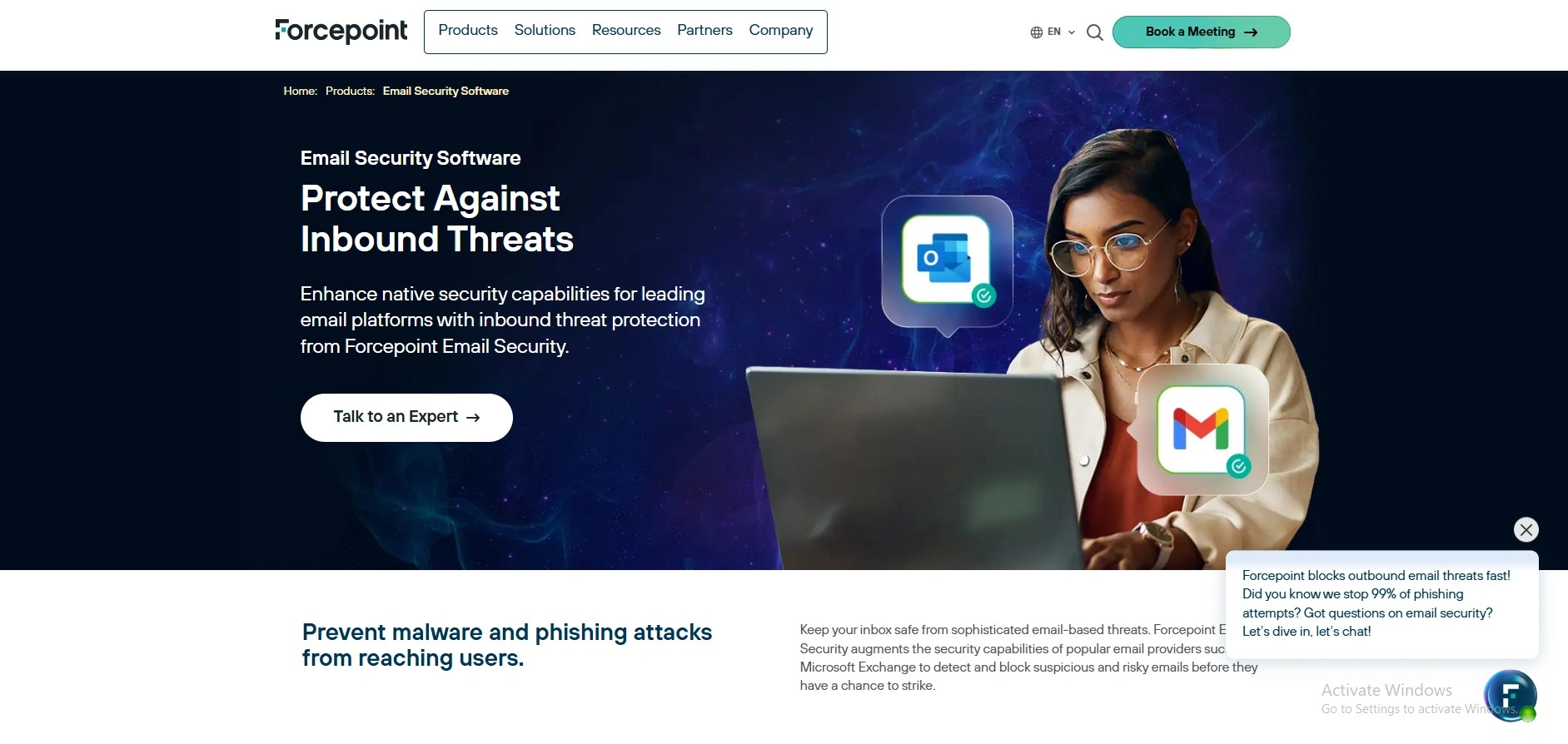
Website: https://www.guardsense.com/Triton-AP-Email.asp
Forcepoint Email Security (marketed under the name TRITON APX / TRITON AP-EMAIL) is a solution that is an enterprise-grade email-security product that is deployed to prevent advanced threats, data-loss-via-email, and targeted phishing, and integrates cloud-based email services, including Microsoft 365. It offers close coordination with the bigger Forcepoint TRITON APX product (web security, DLP, etc.) and is built on real-time analytics, sandboxing, and threat-intelligence feeds in identifying malicious email content, high-risk users, and insider threats.
Key features:
- Flexibility i.e., cloud, on-premise, or hybrid.
- Data-Loss Prevention (DLP) to track and prevent the loss of Sensitive data to email, which is of enterprise-grade.
- Threat intelligence (TRITON ACE) and global threat analysis and sandboxing with the help of Forcepoint ThreatSeeker Cloud.
- Management, dashboards, and reporting of every aspect of TRITON APX (email, web, DLP).
- False positives are minimized, and pre-filtering can be done on a cloud basis.
- Email encryption and archiving options (i.e., park-and-pull style email encryption to have a safe outside-of-company communication).
- Prevention of Office 365 and other cloud environments with protection via a gateway.
Pros:
- Effective protection against advanced multi-stage attacks and phishing.
- Heavy integration with Forcepoint TRITON APX (web security, DLP, endpoint), to possess one data-theft-prevention solution.
- Large-scale organisational scalability and elasticity (cloud, hybrid, on-premise appliances).
- Minimum false positives and high accuracy spam and malware filters.
Cons:
- Primarily targeted at medium-to-large-scale companies, it may be overboard with the smallest ones.
- Licensing and price can be tricky, and a sales quote is required as opposed to the simple list price out there.
- Combination with the complete TRITON package could create a configuration and management learning curve.
Price:
- Quote-based
9. Abnormal Security
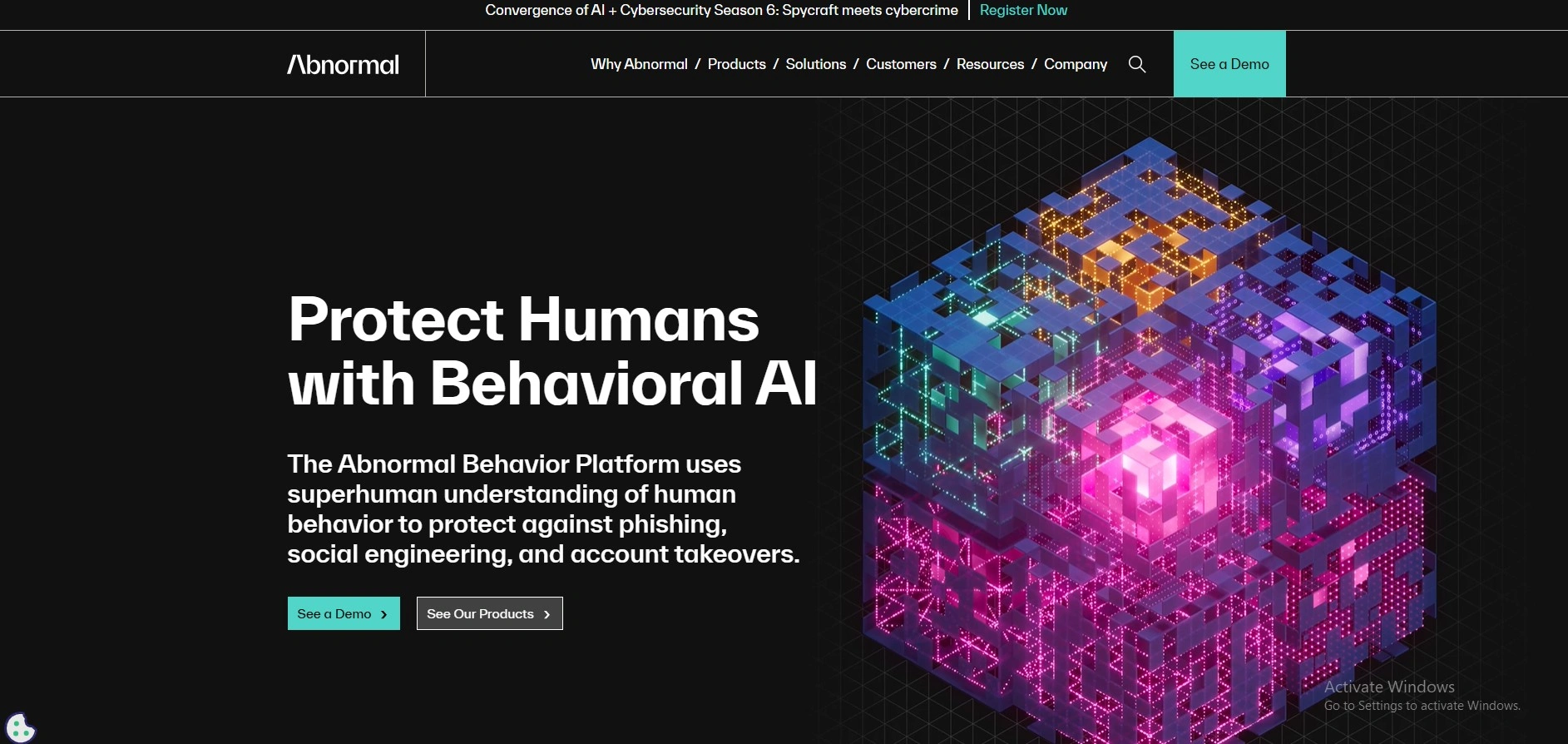
website: https://abnormal.ai
Abnormal Security is a cloud email security service that uses AI to protect businesses against phishing, business email compromise (BEC), and account takeover, among other advanced email-based risks by examining user patterns and behavior, instead of applying conventional signatures or fixed rules. As a modern email security software, it ranks higher than Microsoft 365 and Google Workspace, processes thousands of signals per customer, automatically finds and acts against threats, and requires the least amount of tuning by humans.
Key features:
- Phishing and BEC threat, invoice frauds, and social-engineering attacks: behavioral-AI email threat detection.
- Constant sign-in and user activity monitoring are offered in identity-spoofing and account takeover protection.
- Bidirectional connection via API with Microsoft 365 and Google Workspace (it does not demand any form of a gateway or changes to the inline mail-flow).
- Email detection of live threat messages, attachment and sender reputation.
- Usable response and remediation processes to such incidents as quarantine or deletion of malicious messages are automated.
- The education on phishing was delivered to the mailboxes of users concerning suspicious events.
- Role-based access control, visibility, and reporting centralization.
Pros:
- Magnificent identification of zero-day and sophisticated phishing/BEC attacks.
- Simple to configure; deployment by simple API integration.
- No impact on email-delivery, and on-prem requirement on the appliance.
- The strong automation conserves energy and the incident response overhead of the SOC.
Cons:
- Primarily cloud-based; may not be suitable in an environment that is highly reliant on legacy on-prem email systems.
- Investigations. According to some of the users, the attack storylines or timelines could be more clearly presented in the UI.
- It is a per-user/employee price system that would prove costly in a very big organization.
Price:
- Not Available
10. IRONSCALES
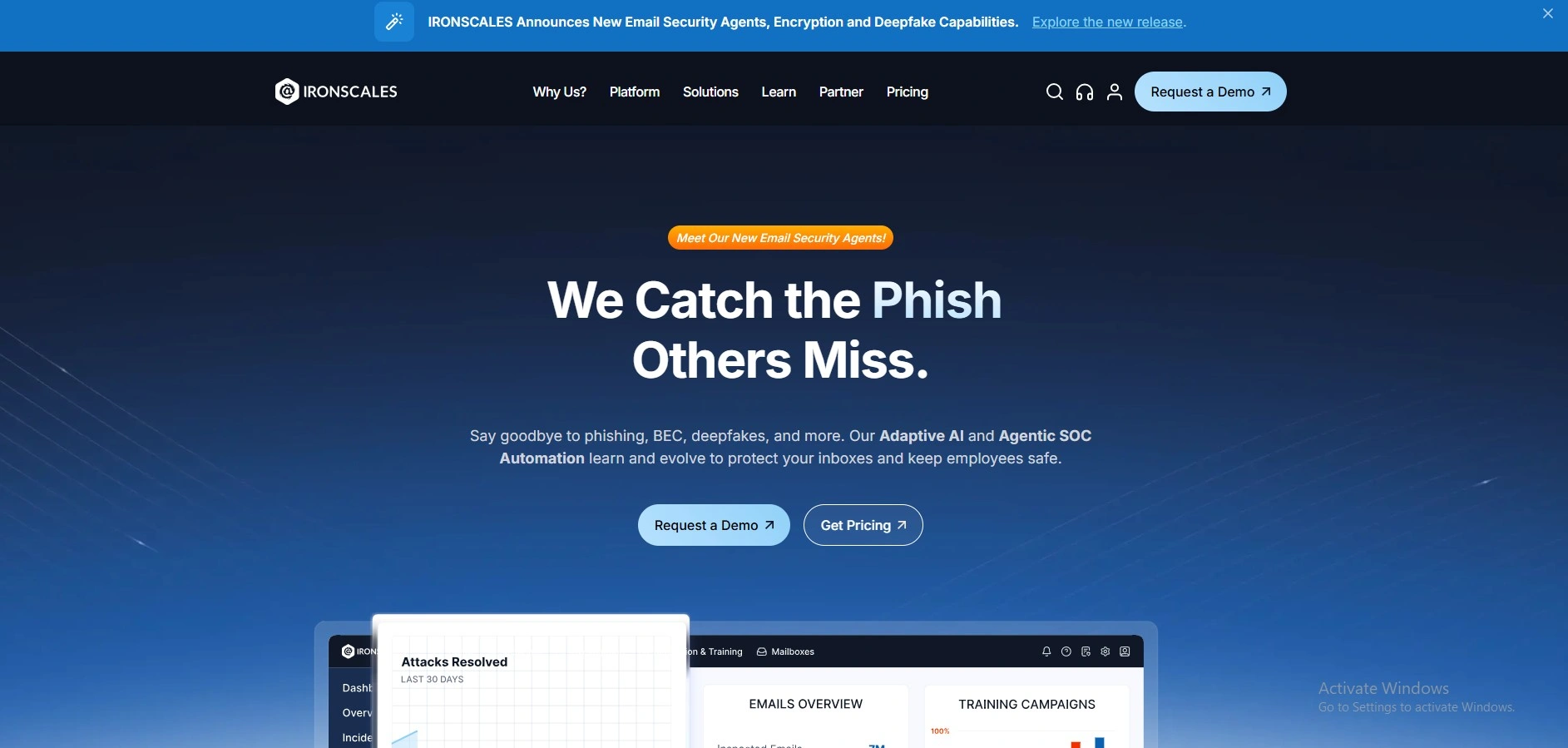
Website: https://ironscales.com
IRONSCALES is an email security software based on AI, machine learning, automation, and human-intelligence to identify and prevent advanced phishing of email, business email compromise (BEC), and account takeovers. It operates on the mailbox layer of applications like Microsoft 365 and Google Workspace, reading mail to detect possible anomalies, e.g., spoofing or suspicious mailer behavior, and responding to real-time threat detection, user-configurable awareness warnings, and remediation or quarantining.
It also has inbuilt phishing simulation training, security awareness solutions, and agentic SOC automation to minimize the amount of manual work needed to ensure companies like schools and businesses are not exposed to the new cyber threats.
Key features:
- Intelligent phishing, BEC, ransomware-related, and credential-theft email threat detection.
- Post-delivery remediation: automatically eliminates or quarantines malicious emails in all the inboxes of users upon detection.
- Automated analytics of behavior and grouping of similar-looking phishing emails to single-click massive remedial actions.
- Combined phishing simulation and security-awareness training to assist in educating the users.
- Threat intelligence obtained through crowdsourcing was being shared across all IRONSCALES customers to enhance speed in detection.
- One-button reporting of phishing inside Outlook and Gmail to end-users.
- Microsoft Teams protection with email (in upper levels).
- Reporting dashboards, insights into threat actors, and policy controls by the administrator.
Pros:
- Powerful defense against developed phishing, business email compromise, and zero-day attacks.
- Quick, automated recovery that saves a significant amount of time for admins doing manual cleanups.
- Simple to install and to operate, particularly for Microsoft 365 and Google Workspace subscribers.
- Well integrated with the current email gateways and security stacks.
- Simulations and training on phishing are built to enhance the awareness of the users.
Cons:
- It is not a full-fledged spam gateway; it is better used together with an independent email security gateway.
- Certain users note that the configuration and training campaign setup is more manual than it should be set and forget.
- To smaller organizations, pricing may be higher than with simple solutions like gateways.
- Infrequent false positives or black holes in niche attack patterns.
Price:
- Quote-based
11. Darktrace Email Security
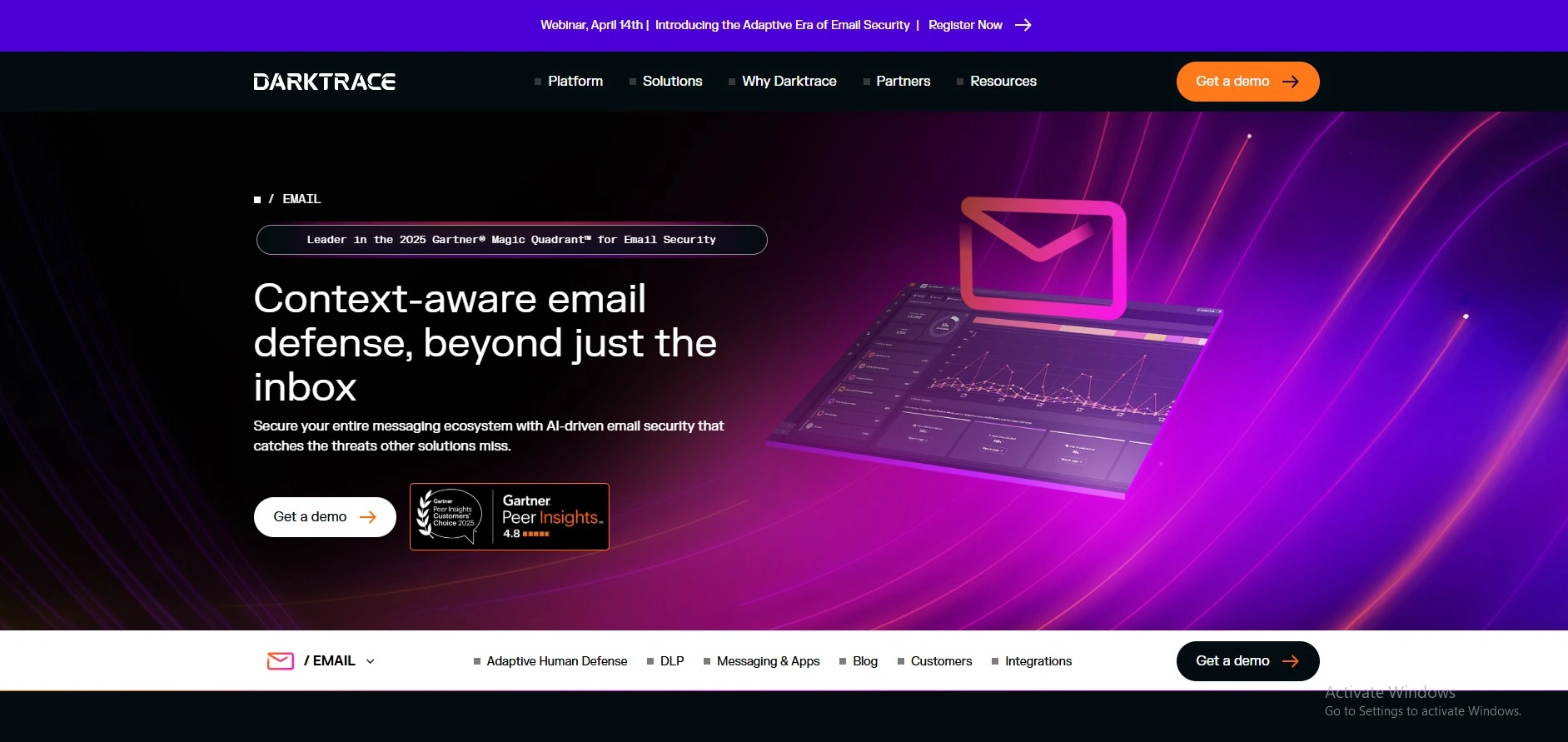
Website: https://www.darktrace.com/products/email
Darktrace Email Security (or Darktrace / EMAIL) is an AI-powered cloud-based platform that covers organizations against sophisticated email-related attacks like phishing, business email compromise (BEC), account takeover, and insider or lateral mail attacks. Rather than a set of fixed rules or signatures, it applies self-learning AI to learn the normal activities, communication patterns, and associations of each user and identifies subtle language, timing, and intent anomalies to prevent new and zero-day attacks in real time.
Upon detecting a risky message, Darktrace can automatically perform corresponding measures that can quarantine, rewrite links, neutralize attachments, or provide explainable warnings, allowing users and security teams to counterattack without interfering with the normal email flow.
Key Features:
- Intelligent behavior and AI in countering new threats.
- Autonomous response: quarantines mail, turns off device links/attachments, and stops delivery itself.
- Antiphishing, spamming, insider and GenAI attacks protection.
- Lateral email monitoring, account takeover, and integration of SIEM/SOAR/Microsoft Teams.
- Real-time threat detection, threat surface management, and incident reporting in natural language.
Pros:
- Natively detected 55percent fewer threats than native security.
- Easy to install (under 5 minutes) and user friendly interface.
- Automation is done with fluent automation that removes manual labor.
Cons:
- Other integrations may conflict with journaling.
- It is expensive when the deployment is large.
Pricing:
- Core plan is free for 100 mailboxes; enterprise plans are custom-based.
Conclusion
The right email protection solution like Proofpoint, Mimecast, Cisco Secure Email, Microsoft Defender, or even the up-and-coming AI-based solutions like Abnormal Security or IRONSCALES are all based on your needs: do you need a robust phishing defense solution in a small business in Delhi, a user-friendly integration in Microsoft 365, or a low-cost cloud gateway that needs the bare minimum of configuration. As reliable email security software, these tools are your front line defenders which block spam, malware, ransomware, and BEC attacks in real time and make your productivity more effective with intelligent filters, encryption, and compliance features and do not slow down your inbox.
Also prioritize interfaces with very high detection rates (usually over 99 percent) with easy quarantine and pricing that can be easily customized to your workflow and customized to your needs (usually offers quotations or per-user plans starting about 830/month), so you do not have to worry about increased complexity in cyber threats.
FAQs
Q1. What Is Email Security Software?
Email protection can block attacks to your inbox, such as spam, phishing, malware, and ransomware, as well as data-loss attacks. It will automatically scan incoming and outgoing messages and block the malicious links and attachments, and protect the sensitive emails, so that your emails are confidential and safe.
Q2. Why Not Use Email Program Filters That Are Offered By My Email Company Instead Of Spending Money On Specialized Email Security Programs?
Inbuilt filters (like Gmail spam filters or Outlook spam filters) block the junk mail with ease, but cannot identify sophisticated phishing attacks, fraudulent credentials links, and business-email-compromise (BEC) attacks. Dedicated email protection systems offer superior threat intelligence, a suspiciously attached sandbox, and other services such as encryption, data loss prevention, and impersonation security, which most default filters do not offer.
Q3. What Is The Nature Of The Most Effective Email Security Program?
Key features include:
- Advanced phishing and malware detection (URL-rewriting and sandboxing).
- Attachment scanner and link-protector: live.
- Encryption of emails and data loss prevention (DLP).
- User-context and behavioral-AI detection of impersonation and BEC.
- Basic integration with Microsoft 365, Google Workspace, or a mail server.
Q4. Is The Phishing Emails Possible To Prevent Using Email Security Software?
The release of phishing e-mails can never be blocked by any anti-phishing e-mail software, yet with the assistance of artificial intelligence, threat detection, and behavioral profiling, the risk can be removed to an enormous extent. It seals or rewrites the dangerous links, obstructs destructive attachments, and designates the endeavor of impersonation, and as such, very few threatening emails reach the inbox of the user.
Q5. Is Email Encryption Necessary For Small Businesses Or Individuals?
Yes, especially when you are transmitting VIP content such as passwords, financial details, sensitive information, or contractual information. Under encryption, an email is not easily read if it is intercepted. In small teams, and for solopreneurs, email security tools, many of which will automatically or with a single click encrypt VIPs or keywords, is feasible.